
Expert Reviewed
Updated Regularly
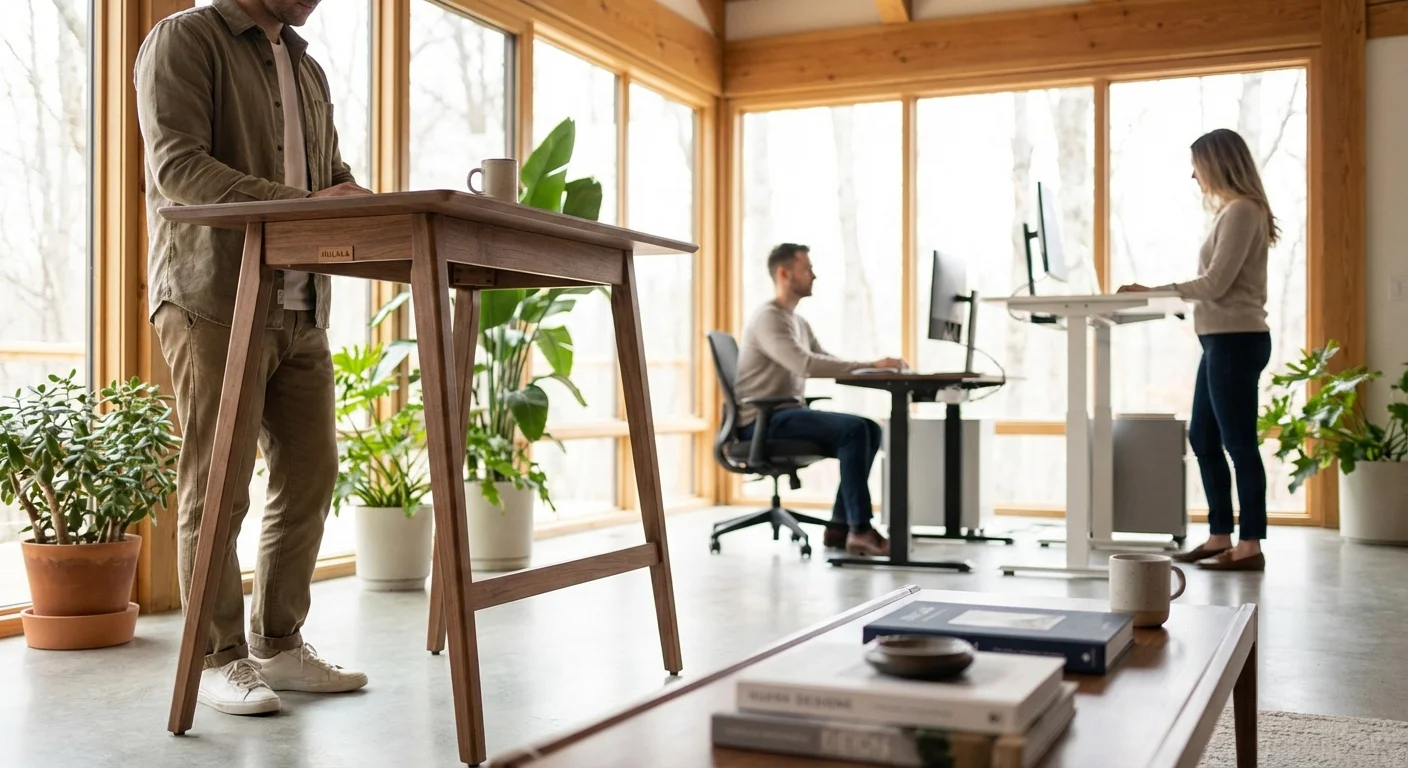
The hulala standing desk lineup has gained real buzz in 2026, and one look explains why. These are sculptural, solid-wood electric desks that look more like designer furniture than office gear. The catch? Prices run from $1,699 to $2,199. In this guide, we look at what Hulala Home actually sells, and we compare it with two far cheaper alternatives: the FlexiSpot E7 and the Fezibo Electric. If you love the Hulala look but not the price, this is for you. Let’s dig in and find your best match.
Table of Contents
- Key Takeaways
- Quick Comparison: Hulala Standing Desk vs FlexiSpot E7 vs Fezibo
- Individual Product Breakdowns
- Head-to-Head Comparison: Hulala Standing Desk vs the Competition
- Price and Value Analysis
- What Real Users Are Saying
- Our Recommendation: Which Standing Desk Should You Buy in 2026?
- Frequently Asked Questions About the Hulala Standing Desk
Key Takeaways
- Hulala Home standing desks are premium solid-wood pieces priced from $1,699 to $2,199.
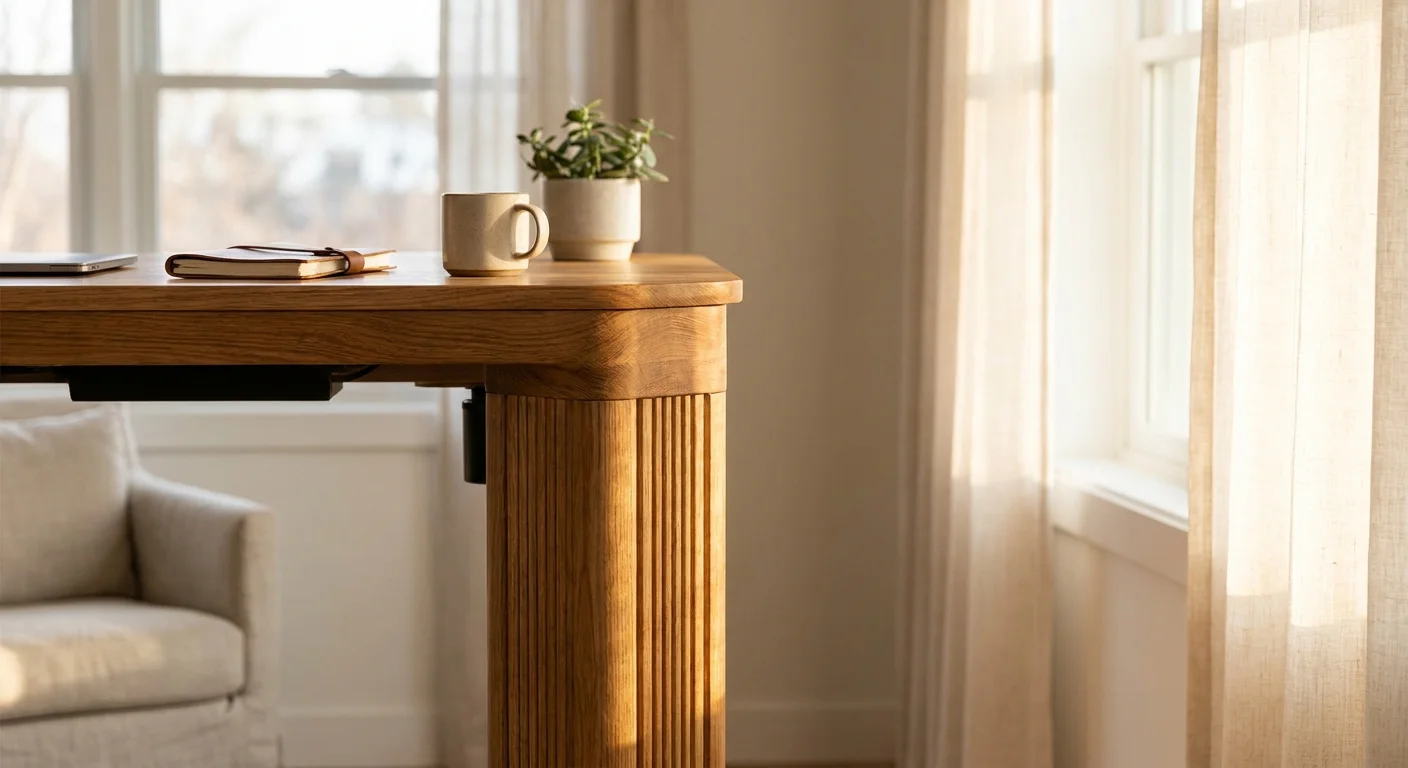
- They’re design furniture first: fluted wood, farmhouse, and mid-century styles you won’t find at office brands.
- The FlexiSpot E7 starts around $370 and delivers stronger published specs for a fraction of the price.
- The Fezibo at $160 is the cheapest way to get the standing habit started.
- Buy Hulala for the look and the solid wood. Buy FlexiSpot or Fezibo for specs per dollar.
Quick Comparison: Hulala Standing Desk vs FlexiSpot E7 vs Fezibo
| Feature | Hulala Home | FlexiSpot E7 | Fezibo Electric |
|---|---|---|---|
| Price (2026) | $1,699–$2,199 | From $370 | $160 |
| Construction | Solid wood, sculptural designs | Steel frame, choice of tops | Steel frame, laminate top |
| Lift | Electric adjustable | Dual motor, 1.5 in/sec | Single motor |
| Weight Capacity | Not published | 355 lbs | 154 lbs |
| Style Options | Fluted, farmhouse, mid-century, marble | Functional office looks | Basic office looks |
| Best For | Statement home offices | Best specs per dollar | Tight budgets |
| Our Rating | 4.4/5 | 4.7/5 | 3.9/5 |
Individual Product Breakdowns
Hulala Home Standing Desks
First, let’s clear up a common mix-up. The hulala standing desk range isn’t a budget product. Hulala Home is a furniture brand, and its electric adjustable desks are premium pieces priced from $1,699 to $2,199.
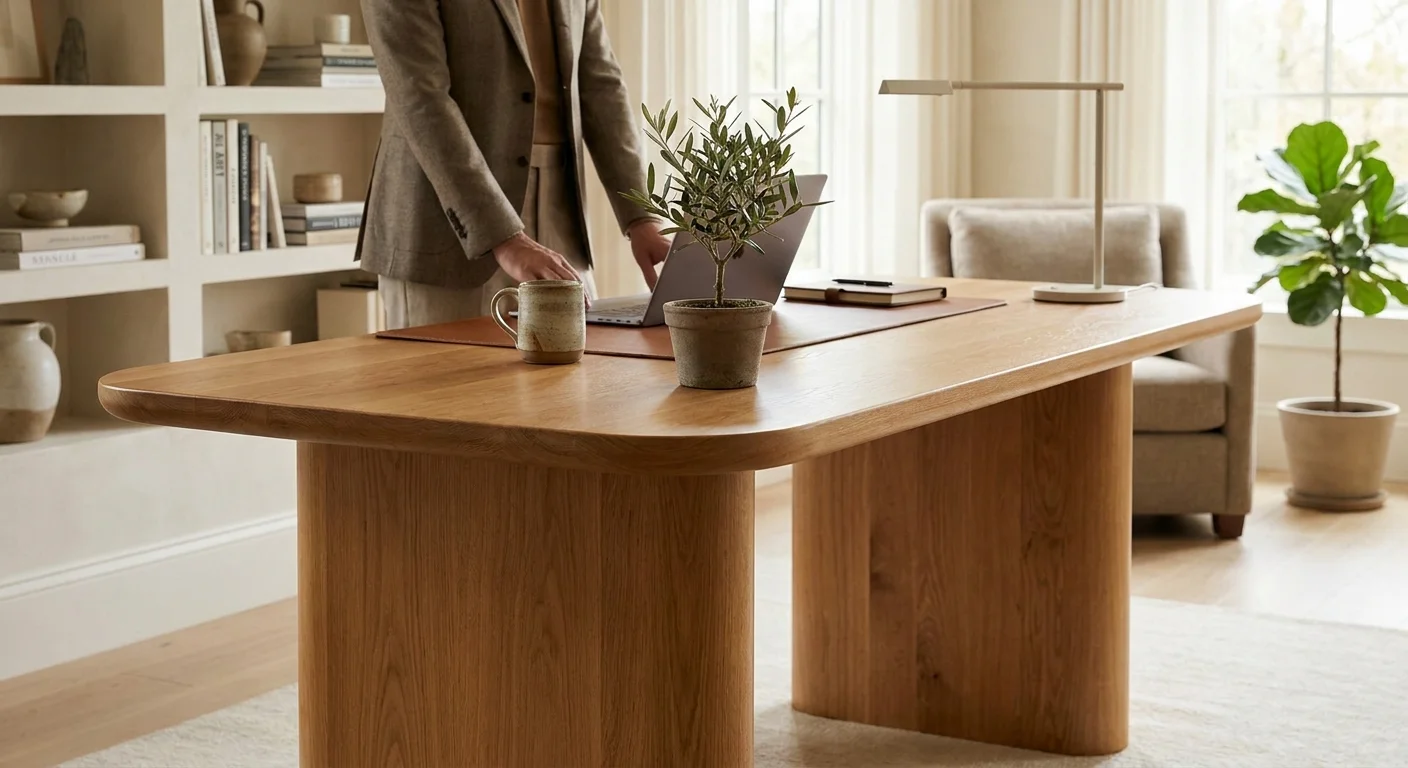
The lineup is all about design. The Emilio ($1,699.99) and Baggio Fluted ($1,799.99) have rounded, sculptural solid-wood legs. The Julia Farmhouse ($1,799.99) leans rustic. The Louise brings mid-century style, and the Baggio Marble ($1,999) adds a marble-look finish. The Veritas ($2,199.99) even rotates 360 degrees.
These desks are built from solid wood rather than laminate over particle board. That’s rare in the standing desk world, where even $700 desks usually pair a steel frame with an engineered top. It’s real furniture that happens to lift.
The trade-off is specs transparency. Hulala Home doesn’t publish motor speed, weight capacity, or noise figures the way office brands do. If you care about numbers on a spec sheet, the office brands below give you far more to compare.
From $1,699.99
Best for: buyers who want a statement piece that lifts, not office furniture.
- Genuine solid-wood construction
- Distinctive designs no office brand offers
- Electric height adjustment in furniture-grade styling
- $1,699–$2,199 price range
- Detailed lift specs aren’t published
- No budget models in the lineup
FlexiSpot E7
The FlexiSpot E7 is what most Hulala shoppers end up cross-shopping once they see the price gap. At $370-$430 depending on the desktop, it costs a fraction of any Hulala desk.
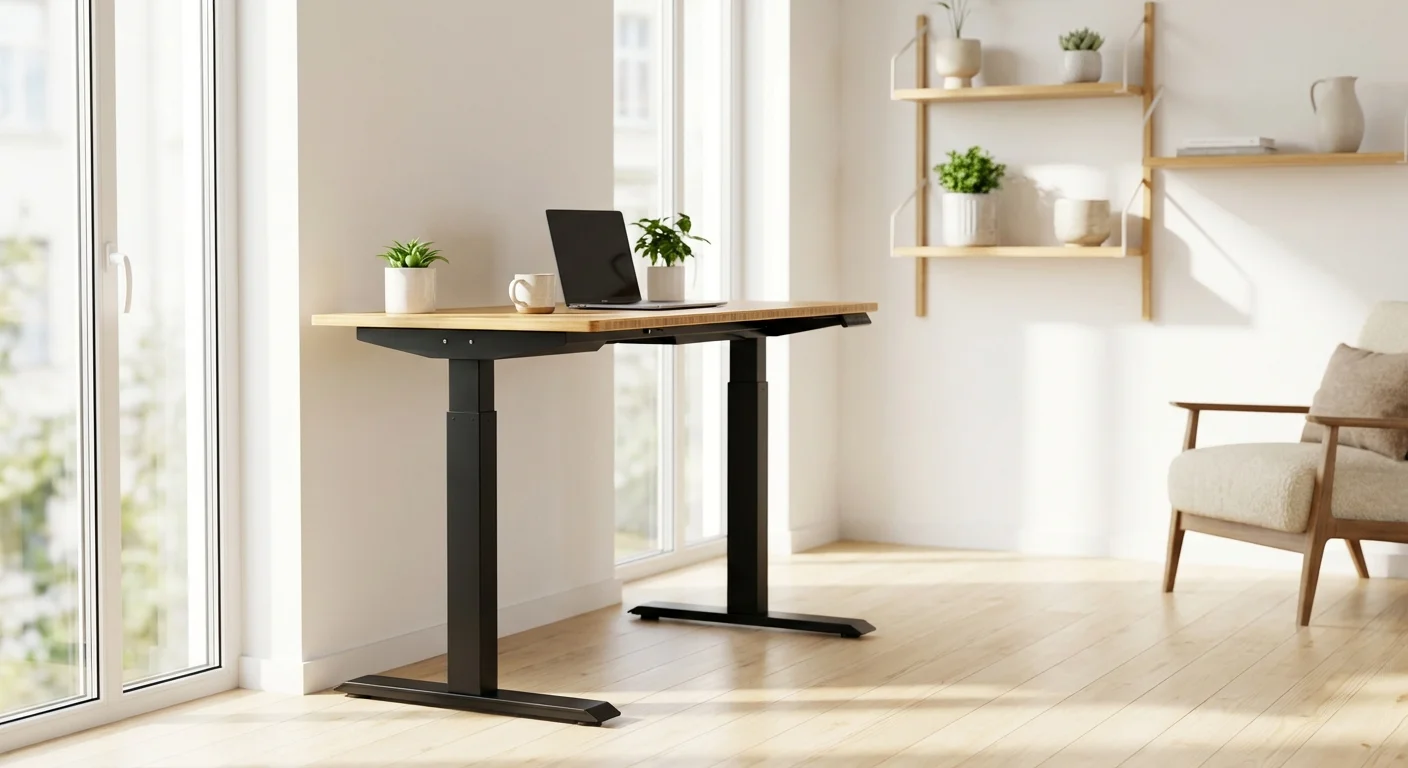
Its dual motors lift at 1.5 inches per second with a 355-lb weight limit. You could stack three monitors, a printer, and books on this thing without worry. The height range runs 22.8 to 48.4 inches, which covers very short and very tall users alike.
FlexiSpot offers many desktop options, from 48 × 24 inches up to 80 × 30 inches, in bamboo, solid wood, or laminate. A solid-wood top gets you partway to the Hulala look, though the frame stays visibly office-style.
The frame uses thick steel and feels rock solid at any height. Anti-collision sensors, four memory presets, and a 15-year frame warranty round it out. It’s the desk to beat on specs per dollar.
From $369.99
- 355-lb weight limit handles any setup
- Fast 1.5 in/sec dual motors
- Wood desktop options for a warmer look
- 15-year frame warranty
- Looks like office equipment, not furniture
- Solid-wood tops raise the price quickly
Fezibo Electric Standing Desk
The Fezibo Electric desk is the cheapest option at about $160. It’s a solid entry-level standing desk for those on a tight budget.
It uses a single motor, so lifts are slower and the 154-lb capacity suits lighter setups. A single monitor, a laptop, and desk items are fine. Don’t push it with a heavy multi-monitor arm.
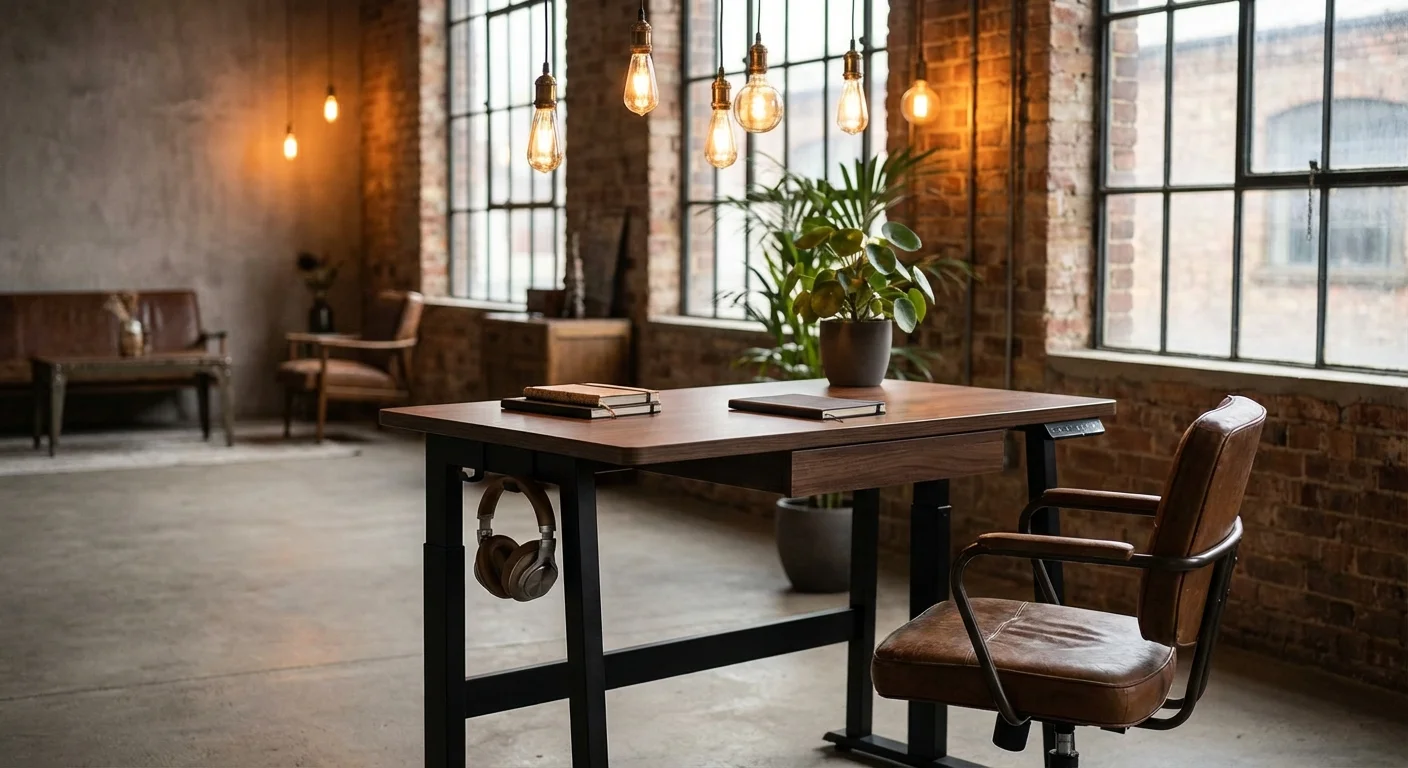
It skips anti-collision sensors and gets three memory presets instead of four. On the plus side, assembly takes about 20 minutes, and it includes a headphone hook and a small drawer under the desktop.
The desktop is laminate, with rustic wood-look finishes available. From across the room, the rustic brown option nods at the farmhouse style Hulala does in real wood, at a tenth of the price.
$159.99
- Lowest price at $160
- Quick 20-minute assembly
- Built-in headphone hook and drawer
- Wood-look finishes available
- Single motor is slower
- No anti-collision feature
- Laminate top, not real wood
- 154-lb capacity limits heavy setups
Head-to-Head Comparison: Hulala Standing Desk vs the Competition
Design and Materials
This is where the hulala standing desk lineup runs away with it. Solid wood, sculptural legs, and finishes that belong in a furniture showroom. No mainstream office brand sells anything like the Baggio’s fluted legs or the Veritas’s rotating top.
FlexiSpot can get warm-looking with a bamboo or solid-wood top, but the steel legs give it away. Fezibo’s wood-look laminate reads as office furniture up close. If design is the priority, there’s no contest.
Published Specs and Performance
Here the roles flip. FlexiSpot publishes everything: 1.5 in/sec lift, 355-lb capacity, 22.8–48.4 inch range. Fezibo publishes its numbers too. Hulala Home lists dimensions and materials but not motor or capacity details.
That doesn’t mean Hulala desks perform poorly. It means you can’t compare them on paper. For spec-driven buyers, that’s a real drawback at this price. Our standing desks review covers the specs and real-world performance in detail.
Practicality
The FlexiSpot E7 offers desktop sizes up to 80 × 30 inches, cable trays, and a huge accessory ecosystem. Fezibo bundles a drawer and hooks. Hulala desks are fixed designs: what you see is what you get, drawer included on some models.
Solid wood also means weight. Furniture-grade desks are heavier to move and less forgiving in small rooms. If you’re comparing options, our standing office desk guide breaks down the key differences.
The Dupe Question
Many readers land here searching for a Hulala dupe. The honest answer: no budget desk replicates solid sculptural wood. What you can do is pair a FlexiSpot frame with a solid-wood top for $600–$700, or grab a wood-look Fezibo for $160. You get the silhouette and the lift, not the furniture-grade material.
Price and Value Analysis
Which Desk Offers the Best Bang for Your Buck?
The Fezibo wins on raw price at $160. It’s fine for students or light use, with real compromises in speed, safety features, and materials.
The FlexiSpot E7 at $370-$430 is the value sweet spot. Published specs, a 15-year warranty, and enough desktop options to get a warmer look. For most home offices, this is the smart buy.
The hulala standing desk range at $1,699–$2,199 isn’t competing on value, and it isn’t trying to. You’re paying furniture prices for furniture materials. If your desk sits in a living space and you care how it looks, that can be worth it. If it lives in a spare room, the FlexiSpot does the job for a quarter of the cost.
What Real Users Are Saying
“The Baggio is the first desk guests actually comment on. It’s a gorgeous piece of furniture. It was also by far the most expensive thing in my office.”
“The FlexiSpot E7 is a beast. I put three monitors and a desktop PC on it. Zero wobble. It’s pricey, but I plan to use this desk for the next decade.”
“Got the Fezibo for my daughter’s college dorm. It works fine for light use. The built-in drawer is handy. The motor is a bit loud, though.” We cover the full lineup in our wood standing desk feature.
Our Recommendation: Which Standing Desk Should You Buy in 2026?
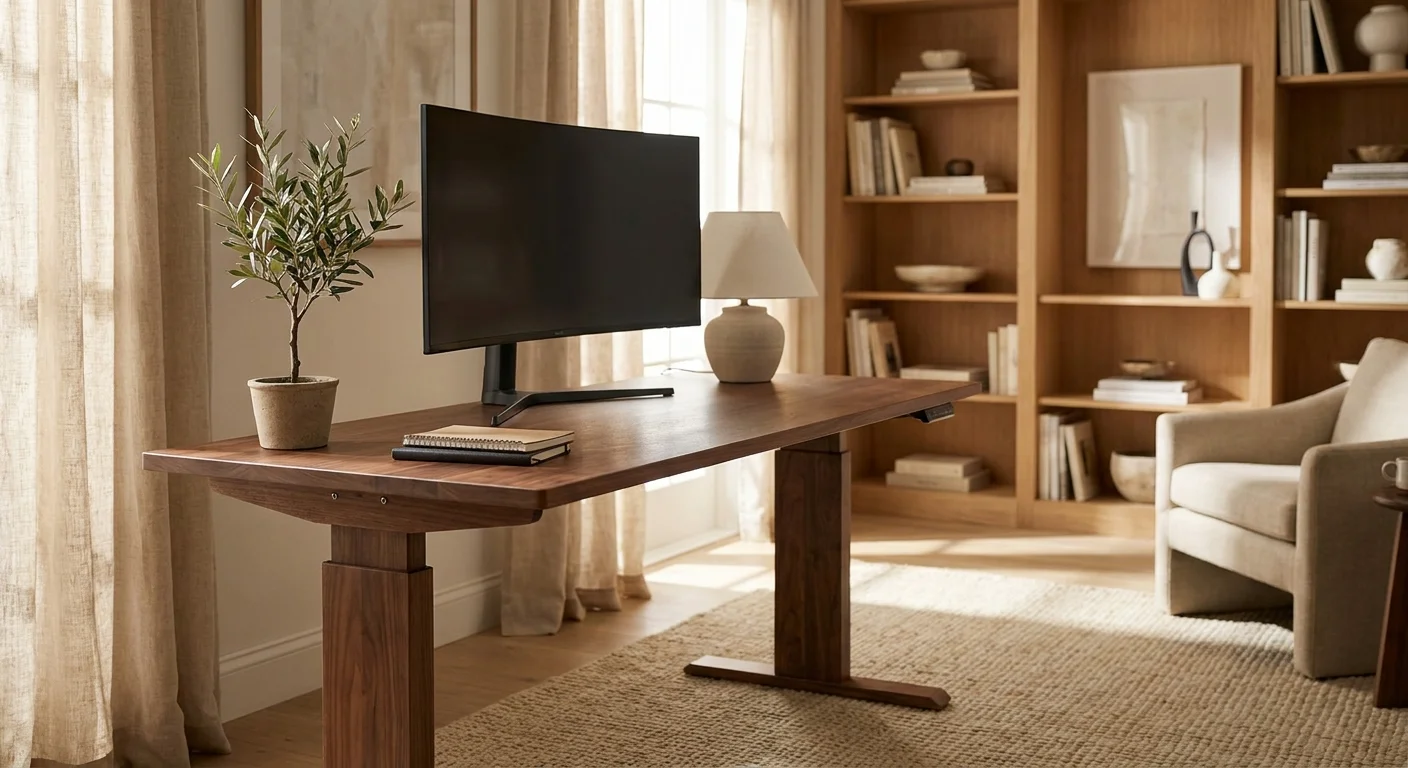
Best design piece: A hulala standing desk is the pick if your office doubles as a living space and the budget allows $1,700+. Solid wood and sculptural design are things no spec sheet captures. We tested several alternatives in our office desk roundup.
Best value overall: The FlexiSpot E7 wins for most buyers. Proven specs, long warranty, and wood-top options that soften the office look, all around $370–$700 depending on configuration.
Best budget option: The Fezibo works for students, part-time desks, or tight budgets. It’s a solid starter desk, not a long-term workhorse.
Your best choice depends on whether you’re buying furniture or equipment. For the look-first buyer, Hulala stands alone. For everyone else, the FlexiSpot E7 is the smartest buy in 2026. We tested several alternatives in our sit stand desk with drawers roundup.
Frequently Asked Questions About the Hulala Standing Desk
How much does a Hulala standing desk cost?
Hulala Home’s electric adjustable desks run from $1,699.99 for models like the Emilio and Elena up to $2,199.99 for the rotating Veritas. There are no budget models in the lineup.
Is a Hulala standing desk worth the money?
It depends what you’re buying it for. As furniture, it’s a solid-wood designer piece that no office brand matches. As equipment, a $370-$430 FlexiSpot E7 publishes better specs for a fraction of the price. Buy Hulala for the look, not the spec sheet.
Is there a cheap dupe for Hulala standing desks?
Not a true one. No budget desk replicates solid sculptural wood. The closest looks are a FlexiSpot frame with a solid-wood top ($600–$700) or a wood-look laminate Fezibo ($160).
What styles do Hulala standing desks come in?
The 2026 lineup includes fluted modern (Baggio), farmhouse (Julia), mid-century (Louise), marble-finish (Baggio Marble), and a 360-degree rotating model (Veritas). Most come in several wood tones.
Does the Hulala standing desk come with a warranty?
Hulala Home doesn’t prominently publish warranty terms for its desks, so check their official site or ask support before buying. For comparison, FlexiSpot covers its E7 frame for 15 years.
What’s the difference between single motor and dual motor standing desks?
Dual motor desks lift faster and handle more weight. They also tend to be more stable and quieter. Single motor desks cost less but move slower and support less weight. The FlexiSpot E7 uses dual motors. The Fezibo uses a single motor.
