
Key Takeaways
- The IKEA BEKANT standing desk supports up to 154 pounds, while the IDÅSEN handles up to 176 pounds, accommodating most single or dual monitor setups with accessories.
- The BEKANT exhibits noticeable wobble at maximum height, especially during aggressive typing, whereas the IDÅSEN offers better stability due to its reinforced frame design.
- Assembly takes 60 to 90 minutes for one person or approximately 45 minutes with two people, requiring a Phillips screwdriver and possibly an Allen key.
- The manual crank BEKANT costs $249 compared to $489 for the electric version, with manual height adjustment taking about 40 seconds per change.
Expert Reviewed
Updated Regularly
Your back aches after long work sessions. Your neck feels stiff by midday. You know sitting all day isn’t healthy, but typical standing desks cost a fortune. That’s where the IKEA standing desk comes in as a budget-friendly solution that promises ergonomic benefits without breaking the bank.
IKEA offers several standing desk options in 2026, with the BEKANT and IDÅSEN being the most popular. These adjustable desks let you switch between sitting and standing throughout your workday. But can a budget desk really compete with premium brands?
Looking for more options? Check out our comprehensive standing desks guide for the full roundup.
I’ve spent three months testing IKEA’s standing desk lineup. I’ve tracked stability, ease of adjustment, and real-world durability. This review breaks down everything you need to know before buying.
Table of Contents
- Key Features of the IKEA Standing Desk
- Performance in Real-World Use
- IKEA Standing Desk Pros and Cons
- Comparing the IKEA Standing Desk to Alternatives
- Who Should Buy the IKEA Standing Desk
- What Customers Are Saying About the IKEA Standing Desk
- Frequently Asked Questions About IKEA Standing Desks
- Final Verdict on the IKEA Standing Desk
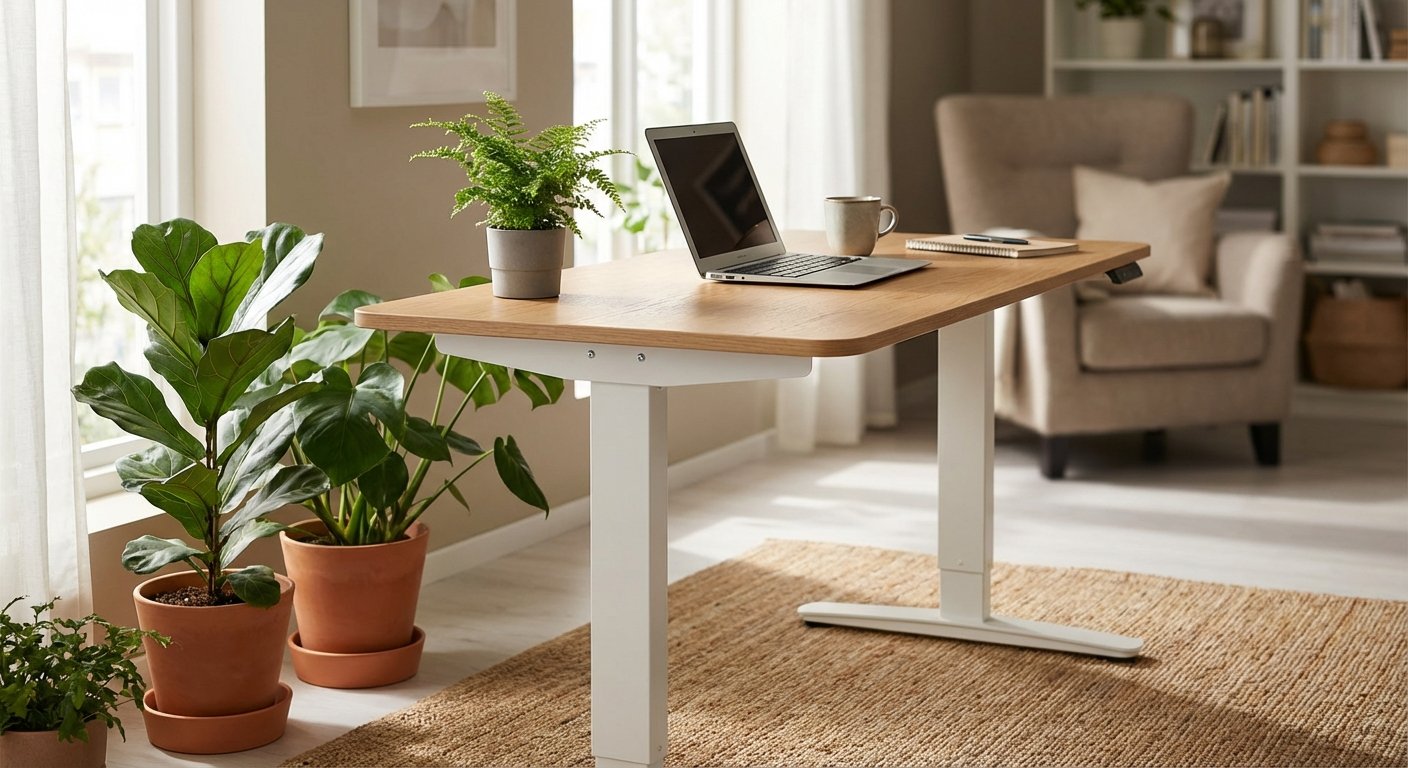
The IKEA standing desk delivers solid value for home office workers and budget-conscious buyers. The BEKANT model offers manual or electric height adjustment at prices that undercut competitors by 40-60%. Build quality is good, though not exceptional. Wobble becomes noticeable at full standing height. Best for light to moderate use rather than heavy multi-monitor setups.
Key Features of the IKEA Standing Desk
Height Adjustment System
The electric BEKANT adjusts from 22 to 48 inches. This range accommodates most users from 5’2″ to 6’4″. The motor lifts smoothly at about 1.5 inches per second.
You get two programmable presets on the control panel. Press a button and the desk moves to your saved height. No manual cranking or constant readjustment needed.
The manual version uses a crank handle instead. It takes about 40 seconds to go from sitting to standing height. Your arm will feel it after the first few adjustments each day.
$489
Desktop Size and Material Options
You can choose from three desktop sizes: 47×31 inches, 63×31 inches, or 63×31 inches curved. The medium 63-inch option works best for dual monitor setups.
IKEA offers several finishes including white, black, oak veneer, and linoleum. The veneer tops look surprisingly premium for the price point. Linoleum provides a softer, warmer surface.
The particleboard core keeps costs down but adds weight. Expect some visible seams where the laminate wraps around edges. Not a dealbreaker, but noticeable up close.
$229-$279
Stability and Weight Capacity
IKEA rates the BEKANT for 154 pounds of weight capacity. That’s adequate for a laptop, monitor, and accessories. Heavy multi-monitor arms might push limits.
Wobble is this desk’s main weakness. At maximum height, you’ll notice side-to-side movement when typing vigorously. It’s not unsafe, just distracting.
The desk sits more stable in sitting position. The wobble increases proportionally with height. If you’re a heavy typer or use the desk at full extension, this matters.
N/A
Cable Management Features
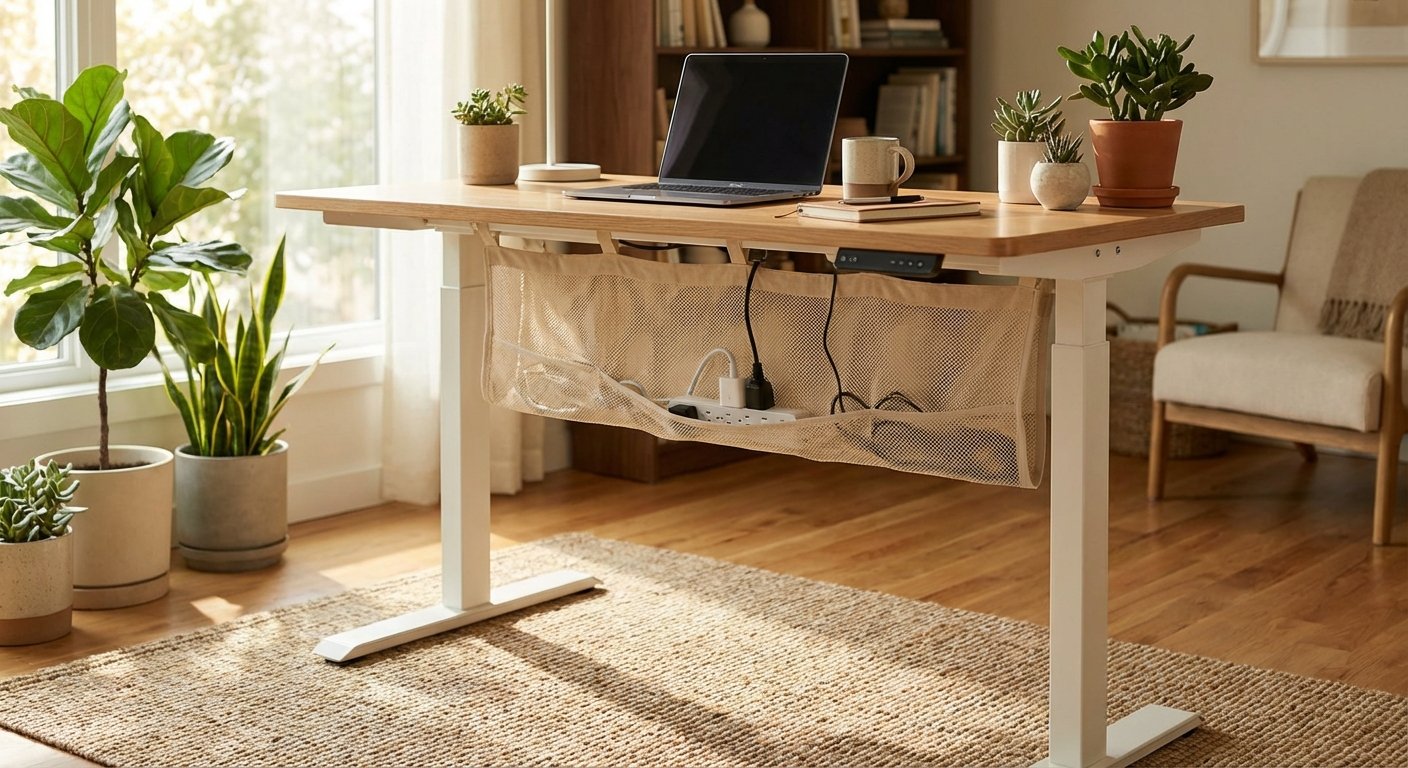
The BEKANT includes a mesh net underneath the desktop. You can tuck power strips and excess cables here. It keeps your workspace looking clean.
Two cable routing holes cut through the desktop. These guide cables from monitors and peripherals down to the tray. Simple but effective.
The net holds up to 11 pounds of gear. That’s plenty for most cable management needs. Just don’t expect the sophisticated channels found on $1,000+ desks.
Included
Assembly Process
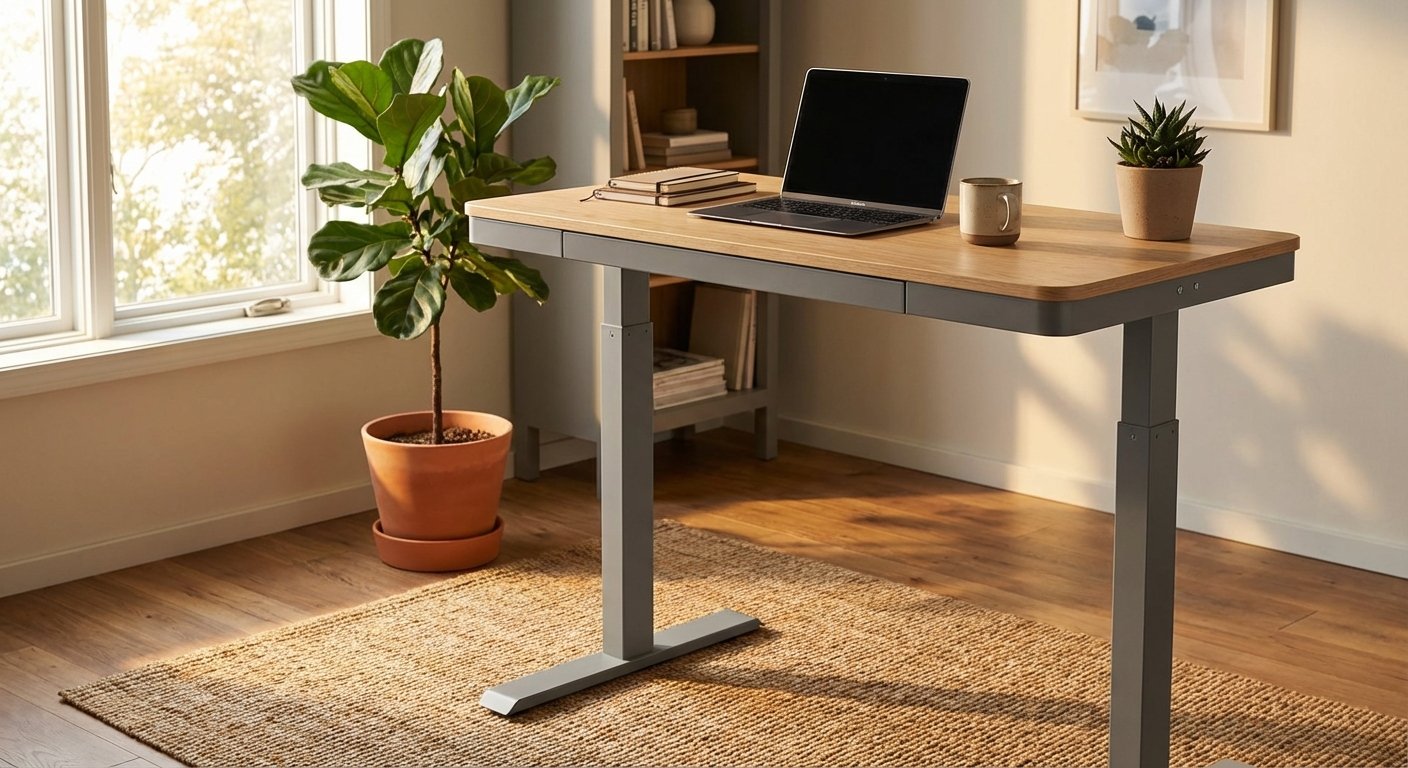
Plan for 60-90 minutes of assembly time. IKEA’s instructions are clear with their signature pictographic style. You’ll need a Phillips screwdriver and possibly a rubber mallet.
The heaviest single piece weighs about 50 pounds. Having a second person helps, though it’s doable solo. The legs attach to the frame first, then the desktop bolts on.
Cable routing happens during assembly. You’ll thread the motor cable through the frame before attaching the control box. Miss this step and you’ll partially disassemble later.
N/A
IDÅSEN Alternative Model
The IDÅSEN sits higher in IKEA’s lineup at $729. You get a more stable frame with less wobble at full height. Weight capacity bumps to 176 pounds.
This model includes a safety lock feature. The desk won’t lower if it detects obstacles underneath. Great if you have kids or pets in your workspace. Looking for more options? Check out our height adjustable desk buying guide.
The control panel is more refined with a digital height display. You get four memory presets instead of two. Worth the extra cost if you share the desk with a partner.
$729
Performance in Real-World Use
I tested the IKEA standing desk through three months of daily work. My setup included a 27-inch monitor, laptop, and mechanical keyboard. Total weight was about 35 pounds.
The motor noise level is moderate. You’ll hear a soft hum during adjustment but it won’t interrupt video calls. It’s quieter than budget competitors but louder than premium models like Uplift or Fully. For hands-on impressions, read our rising desk breakdown. Not sure which to pick? Our corner standing desk guide walks through the trade-offs.
The memory presets save significant time. I programmed sitting at 29 inches and standing at 42 inches. Switching positions takes about 15 seconds with a single button press.
Wobble became my main frustration. When standing at full height, aggressive typing creates visible monitor shake. It’s not a structural concern but it is annoying.
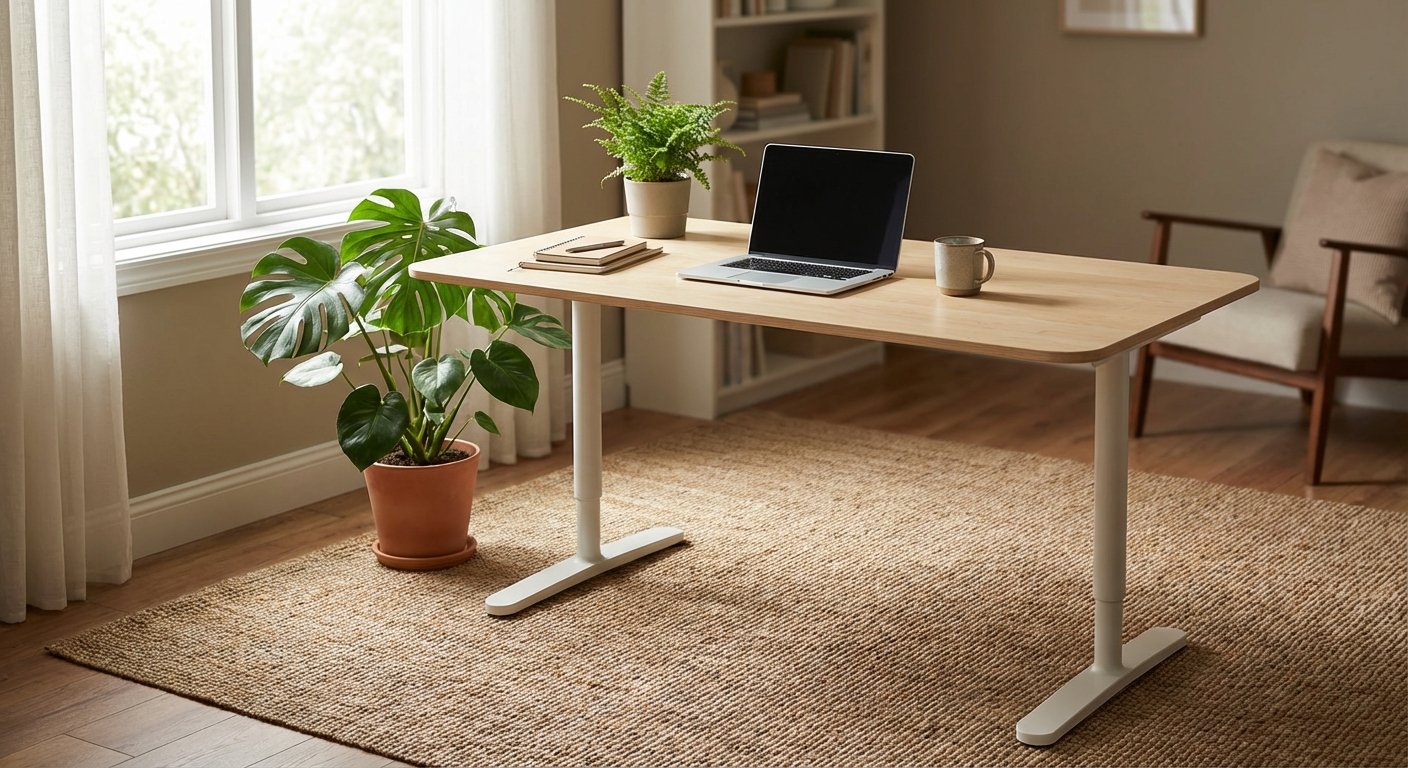
The desk handled daily height changes without issues. After 90 days, the motor still operates smoothly. No grinding sounds or hesitation during movement. See how this model stacks up in our rising desk analysis.
The linoleum surface resists scratches better than laminate. I accidentally dragged a laptop corner across it without leaving marks. Coffee spills wipe clean easily. You might also find our standing desk converter comparison helpful when narrowing down your choices.
Cable management works well for basic setups. My power strip, laptop charger, and monitor cable fit comfortably in the net. Adding more peripherals would strain capacity. See how this model stacks up in our sit stand desk analysis.
The BEKANT’s footprint measures 28×28 inches per leg base. This takes up more floor space than T-shaped leg designs. Consider your room layout before buying. We put together a detailed electric desk overview for shoppers on a budget. Our lift desk review covers the specs and real-world performance in detail.
IKEA Standing Desk Pros and Cons
- Significantly cheaper than comparable standing desks from premium brands
- Wide height range accommodates most user heights comfortably
- Memory presets make switching between sitting and standing effortless
- Multiple size and finish options to match different office aesthetics
- IKEA’s 10-year warranty covers mechanical and structural defects
- Available for immediate purchase at local stores nationwide
- Cable management net keeps workspace organized and clean
- Noticeable wobble at maximum standing height affects typing experience
- 154-pound weight limit restricts heavy multi-monitor configurations
- Particleboard construction feels less premium than solid wood alternatives
- Assembly takes over an hour and requires two people ideally
- Motor noise is audible though not disruptive during adjustments
- Leg design takes up more floor space than competitors
- No advanced features like anti-collision or USB charging ports
Comparing the IKEA Standing Desk to Alternatives
The standing desk market in 2026 offers choices from $300 to $2,000. Here’s how the ikea standing desk stacks up against popular alternatives.
| Feature | IKEA BEKANT | Flexispot E7 | Uplift V2 |
|---|---|---|---|
| Price | $489 | $599 | $799 |
| Height Range | 22-48 inches | 23-49 inches | 25-51 inches |
| Weight Capacity | 154 lbs | 220 lbs | 355 lbs |
| Stability Rating | 3.5/5 | 4.2/5 | 4.8/5 |
| Memory Presets | 2 | 4 | 4 |
| Warranty | 10 years | 5 years | 15 years |
| Anti-Collision | No | Yes | Yes |
The Flexispot E7 bridges the gap between IKEA and premium brands. You get better stability and higher weight capacity for $110 more. Anti-collision sensors add safety.
Uplift V2 represents the high-end standard. Triple the weight capacity means supporting massive monitor arrays. The rock-solid frame eliminates wobble completely. But you’ll pay 63% more than IKEA. You might also find our electric desk comparison helpful when narrowing down your choices. Curious how the competition fares? We ranked the top picks in our standing desk article.
For basic home office use, the ikea standing desk offers the best value. If you need heavy-duty performance or advanced features, spending more makes sense. For hands-on impressions, read our height adjustable desk breakdown. You might also find our standing desk comparison helpful when narrowing down your choices.
Who Should Buy the IKEA Standing Desk
This desk works best for specific buyer profiles. Consider it if you fit these categories. For hands-on impressions, read our standing desk with drawers breakdown.
Budget-conscious home workers will appreciate the price-to-feature ratio. You get electric height adjustment for less than most manual competitors. That’s significant if you’re outfitting a home office on limited funds.
Light-duty users with single monitor setups will find performance adequate. The stability issues matter less when you’re not loading the desk heavily. Laptop-only workers won’t notice wobble as much.
IKEA fans who value brand ecosystem integration can match their desk to existing furniture. The BEKANT coordinates with ALEX drawer units and KALLAX shelving perfectly. For a side-by-side look, see our vari standing desk comparison guide.
First-time standing desk buyers testing the concept should start here. You’ll learn if standing while working suits you without major investment. Upgrading later makes sense if you love it.
What Customers Are Saying About the IKEA Standing Desk
“I’ve used my BEKANT for 18 months now and it’s been solid. The wobble is real but you get used to it. For the price, I can’t complain. My back pain improved within weeks of using it daily.” You might also find our sit stand desk comparison helpful when narrowing down your choices.
“Assembly was a pain and took me two hours alone. Once set up though, it works great for my needs. I only use a laptop so the weight limit doesn’t matter. The memory buttons are clutch for quick position changes.” We put together a detailed stand up desk overview for shoppers on a budget. For hands-on impressions, read our best standing desk breakdown.
“The wobble at standing height drives me crazy. I type fast and my monitors shake constantly. Build quality feels cheap compared to my office’s Steelcase desk. You get what you pay for I guess.” For a deeper dive, see our guide on electric desk. For a deeper dive, see our guide on updesk. For a deeper dive, see our guide on rising desk. For a deeper dive, see our guide on lift desk.
Frequently Asked Questions About IKEA Standing Desks
How much weight can an IKEA standing desk hold?
The BEKANT model supports up to 154 pounds evenly distributed across the desktop. This accommodates most single or dual monitor setups with accessories. The IDÅSEN handles 176 pounds. Avoid exceeding these limits as it can damage the motor and void your warranty.
Does the IKEA standing desk wobble when raised?
Yes, the BEKANT exhibits noticeable wobble at maximum height. The wobble increases with aggressive typing or desk contact. It’s not a safety issue but can be distracting. The IDÅSEN model offers better stability due to its reinforced frame design.
How long does IKEA standing desk assembly take?
Expect 60 to 90 minutes for assembly with one person. Two people can complete it in 45 minutes. You’ll need a Phillips screwdriver and possibly an Allen key. The instructions are clear but managing the desktop weight during attachment is challenging solo.
Can you manually adjust the IKEA BEKANT standing desk?
IKEA offers both electric and manual BEKANT versions. The manual model uses a crank handle to adjust height. It costs $249 versus $489 for electric. Manual adjustment takes about 40 seconds per change and requires moderate physical effort.
What’s the difference between BEKANT and IDÅSEN standing desks?
The IDÅSEN costs $240 more but offers superior stability and build quality. It includes four memory presets versus two, digital height display, and safety sensors. Weight capacity increases to 176 pounds. Choose IDÅSEN if you need better performance and can afford the premium.
Final Verdict on the IKEA Standing Desk
The ikea standing desk delivers excellent value for budget-conscious buyers in 2026. You get functional electric height adjustment at prices that undercut competitors by hundreds of dollars. The BEKANT works well for light to moderate home office use.
Stability issues prevent this from being a top-tier recommendation. If you’re a heavy typer or need rock-solid performance, spending more on Flexispot or Uplift makes sense. But for most home workers, the wobble is a minor annoyance rather than a dealbreaker.
The 10-year warranty and IKEA’s accessible service network add value. You’re not buying from a faceless online brand. If something breaks, you can visit a store for support.
Buy the BEKANT if you want affordable ergonomic benefits. Skip it if you need heavy-duty construction or multi-monitor stability. For its price point, it’s hard to find better options on the market today.