Expert Reviewed
Updated Regularly
TITLE: How to Set Up and Use a Fully Standing Desk the Right Way in 2026
A fully standing desk can change how you work, feel, and move each day. But many people set theirs up wrong. That leads to sore feet, bad posture, and wasted money. This guide walks you through every step. You’ll learn how to pick the right desk, set it up, and use it without pain. By the end, you’ll have a workspace that boosts your energy and focus. Whether you just bought your first fully standing desk or you’re thinking about it, this guide has you covered for 2026.
Key Takeaways
- Your fully standing desk surface should sit at elbow height, which for most people falls between 38 and 46 inches (about 42 inches for someone 5’8″ tall).
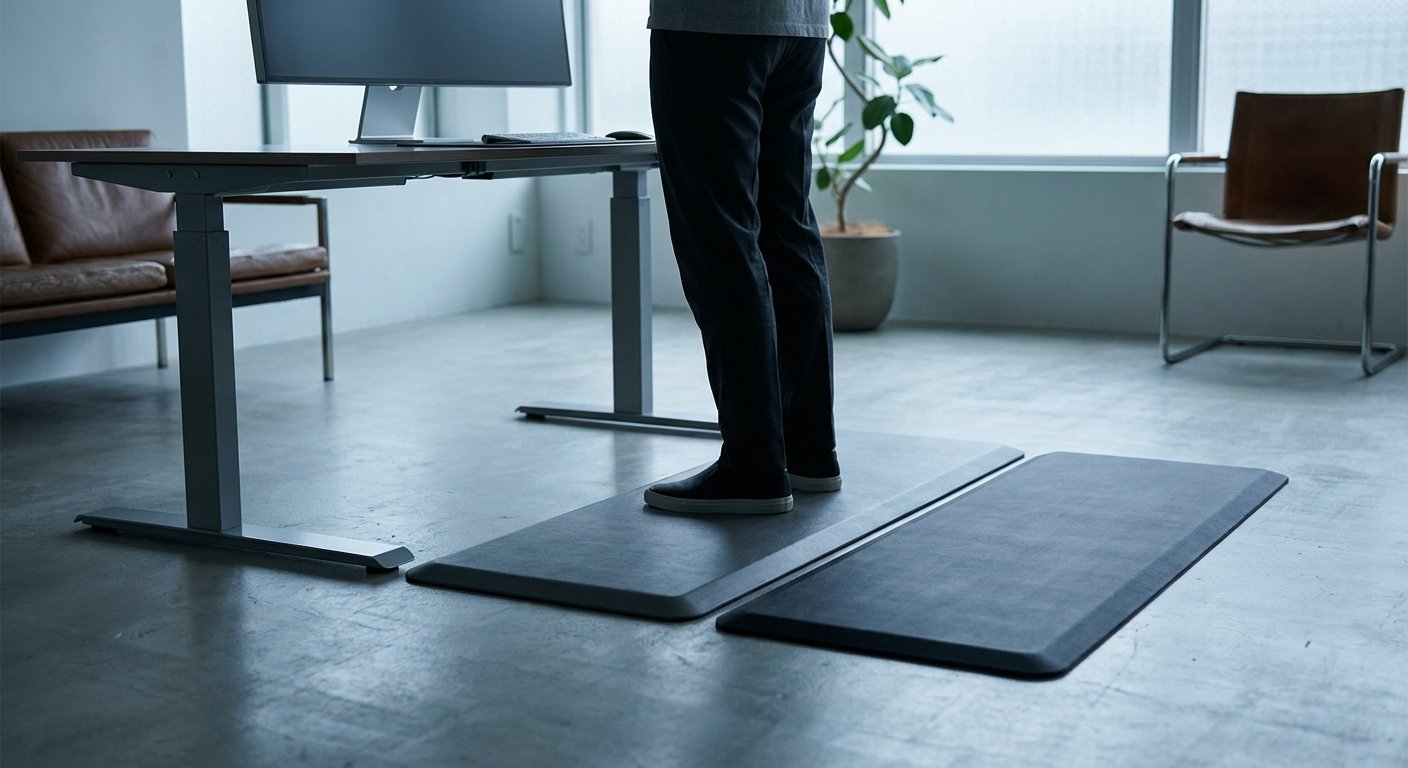
- An anti-fatigue standing mat measuring at least 20″ x 30″ is essential to reduce foot soreness and support proper posture during prolonged standing.
- Beginners should start with just 30 minutes of standing at a time and gradually increase duration over a two-week ramp-up period to avoid pain.
- Your monitor should be positioned at eye level using a monitor arm or laptop riser, paired with an external keyboard and mouse to maintain ergonomic alignment.
- Proper setup requires a tape measure, supportive shoes or cushioned insoles, cable management clips, and a timer app for standing reminders to build a complete ergonomic workspace.
Table of Contents
- Quick Answer: How to Use a Fully Standing Desk
- What You’ll Need for Your Fully Standing Desk Setup
- Step-by-Step Guide to Setting Up Your Fully Standing Desk
- Pro Tips for Getting the Most From Your Fully Standing Desk
- Troubleshooting Common Fully Standing Desk Problems
- Frequently Asked Questions About Standing Desks
Quick Answer: How to Use a Fully Standing Desk
Set your fully standing desk so the top sits at elbow height. Keep your screen at eye level. Wear supportive shoes or use an anti-fatigue mat. Start with 30 minutes of standing and build up over two weeks.
What You’ll Need for Your Fully Standing Desk Setup
What You’ll Need
- A fully standing desk (fixed-height or adjustable)
- Anti-fatigue standing mat (at least 20″ x 30″)
- Monitor arm or laptop riser
- External keyboard and mouse
- Supportive shoes or cushioned insoles
- Tape measure
- Timer or phone app for standing reminders
- Cable management clips or tray
Step-by-Step Guide to Setting Up Your Fully Standing Desk
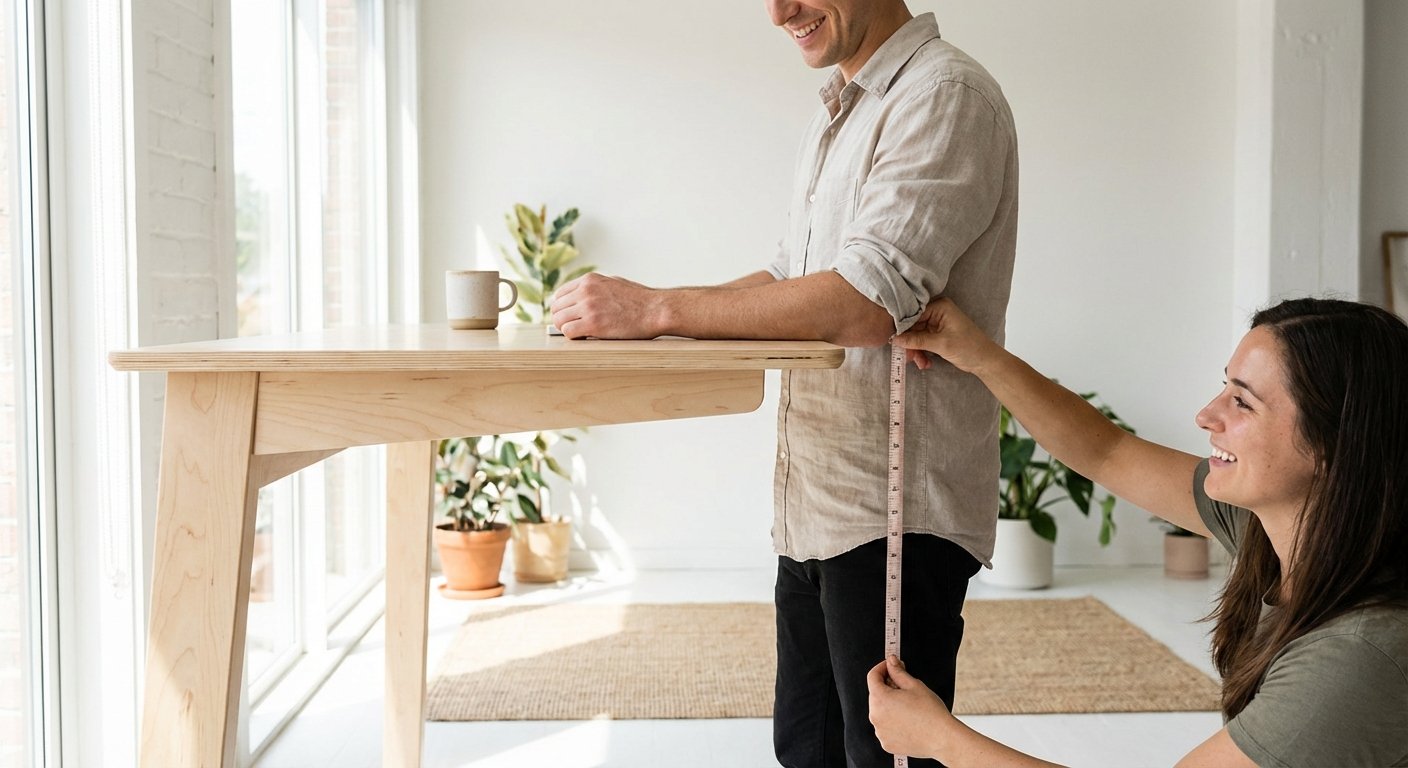
Step 1: Pick the Right Desk Height for Your Body
Stand up straight with your arms at your sides. Bend your elbows to 90 degrees. Measure the distance from the floor to your forearms. That number is your ideal desk height.
For most people, this falls between 38 and 46 inches. If you’re 5’8″, aim for about 42 inches. If you’re 6’0″, try around 44 inches.
Pro tip: Wear your normal work shoes when you measure. Shoe height changes the number by 1 to 2 inches.
Step 2: Assemble Your Desk on a Flat Surface
Clear the area where you’ll build the desk. Lay all parts on the floor first. Check the parts list against what’s in the box.
Most standing desks in 2026 come with clear instructions. Follow them in order. Don’t skip ahead. Tighten all bolts with the included tools.
If you have an adjustable model, test the height controls before placing anything on top. Make sure the motor runs smooth.
Pro tip: Have a friend help you flip the desk upright. The desktop alone can weigh 40 to 60 pounds.
Step 3: Position the Desk in Your Room
Place the desk near a power outlet. Leave at least 6 inches behind it for cables. Keep it away from windows that cause screen glare.
Make sure you have room to shift your weight. You need about 3 feet of open floor space in front of the desk.
Pro tip: Face a wall or a neutral background if you take video calls. This also cuts down on distractions.
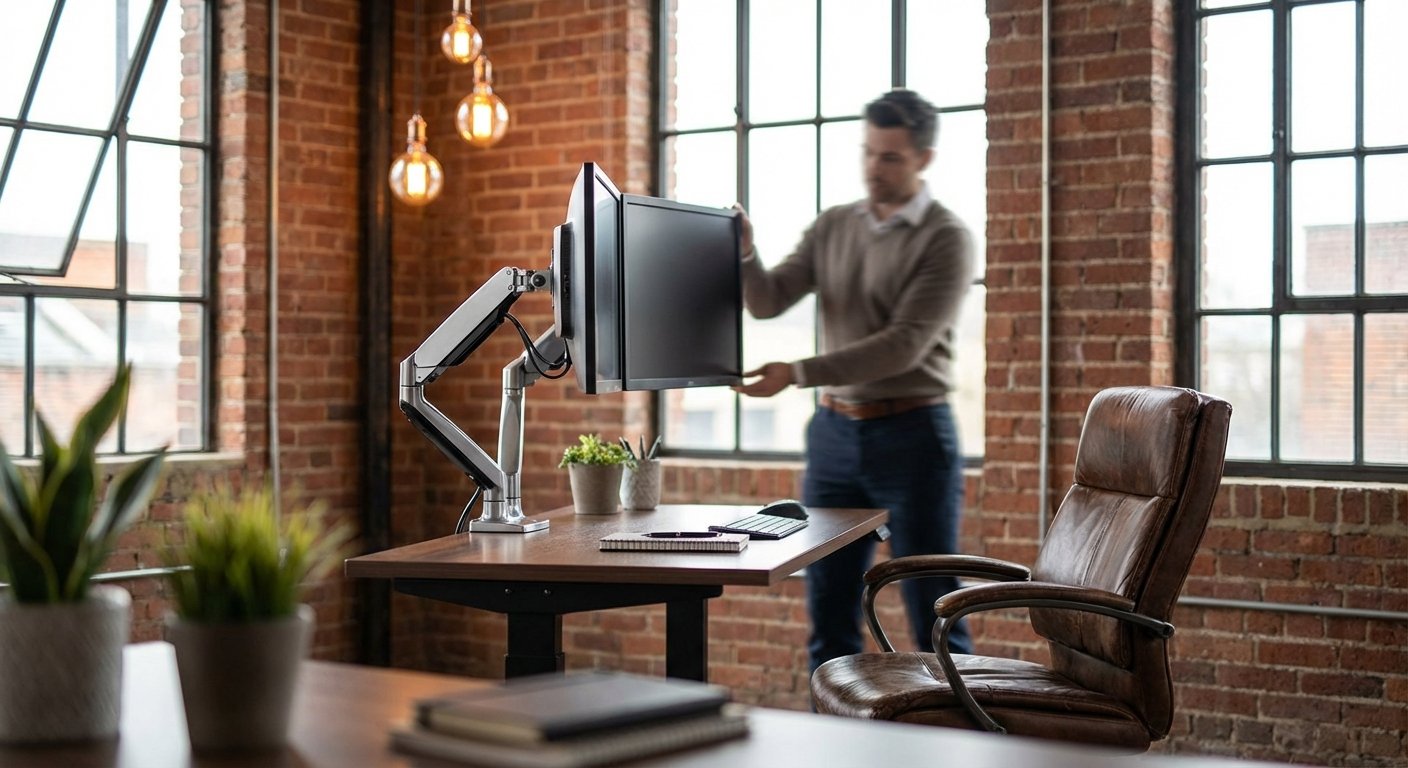
Step 4: Set Your Monitor at Eye Level
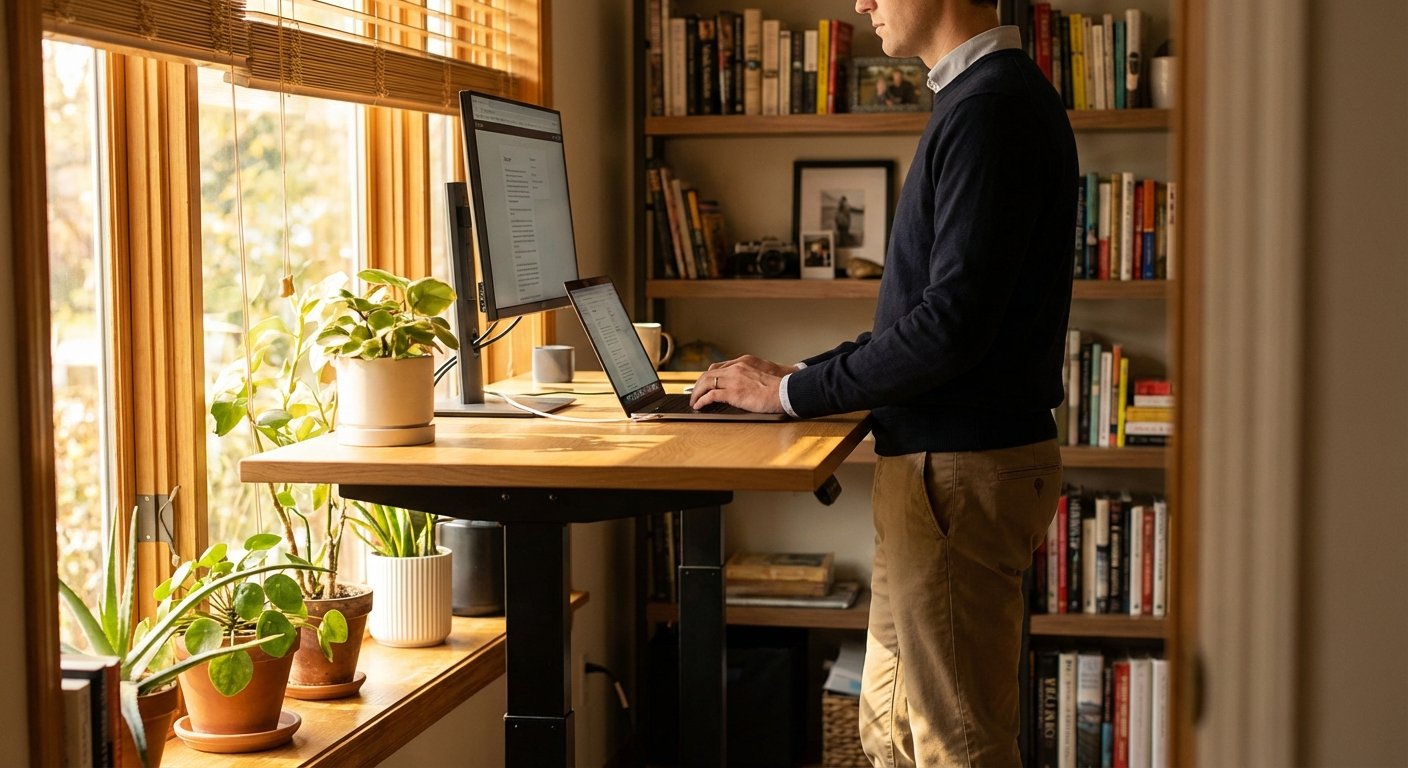
Your screen’s top edge should sit at or just below eye level. This keeps your neck in a neutral position. You shouldn’t tilt your head up or down.
Use a monitor arm to get the exact height. A laptop riser works too. Place the screen about 20 to 26 inches from your eyes.
If you use two monitors, center them so you look straight ahead. Angle each one slightly inward.
Pro tip: The 20-20-20 rule helps your eyes. Every 20 minutes, look at something 20 feet away for 20 seconds.
Step 5: Place Your Keyboard and Mouse Correctly
Your keyboard should sit flat on the desk surface. Your wrists should float above it, not rest on the edge. Keep your elbows close to your body.
The mouse goes right next to the keyboard. You shouldn’t reach for it. A compact keyboard helps keep the mouse closer.
Pro tip: A keyboard tray adds comfort. It tilts slightly downward, which reduces wrist strain. Look for one that mounts under the desk.
Step 6: Add an Anti-Fatigue Mat
Standing on hard floors hurts after 20 minutes. An anti-fatigue mat solves this. It gives your feet cushion and support.
Pick a mat that’s at least 3/4 inch thick. Mats with contoured edges work best. They let you shift and rock your feet.
Place it directly under where you stand. Make sure it lies flat so you don’t trip. We tested several alternatives in our standing desk costco roundup.
Pro tip: Replace your anti-fatigue mat every 12 to 18 months. The foam breaks down over time and loses its support.
Step 7: Organize Your Cables
Messy cables look bad and cause safety issues. Route all cables along the desk’s back edge. Use adhesive clips or a cable tray.
Bundle power cords together with Velcro straps. Keep them away from your feet. If your desk moves up and down, leave slack in the cables.
Pro tip: Use a power strip mounted under the desk. This gives you one cord running to the wall instead of five.
Step 8: Start Standing in Short Blocks
Don’t stand for 8 hours on your first day. Your body needs time to adjust. Start with 30-minute standing blocks.
Stand for 30 minutes. Then take a break or sit for 30 minutes. Add 15 minutes of standing time each week.
By week three or four, you should handle 2 to 4 hours of standing per day. Most experts say this is the sweet spot.
Pro tip: Set a timer on your phone. It’s easy to forget when you’re deep in work. Apps like Stand Up! or simple alarms work great.
Step 9: Check Your Posture Throughout the Day
Good posture makes or breaks your standing desk experience. Stand tall with your shoulders back. Don’t lean forward into the screen. You might also find our standing desk comparison helpful when narrowing down your choices.
Keep your weight balanced on both feet. Shift from foot to foot now and then. Avoid locking your knees.
Your ears, shoulders, and hips should form a straight line. Check this a few times each day.
Pro tip: Place a small sticky note on your monitor. Write “posture” on it. It’s a simple but effective reminder. See how this model stacks up in our standing desk analysis.
Step 10: Fine-Tune Your Setup Over the First Week
Pay attention to pain signals. Sore shoulders mean your desk is too high. A stiff neck means your monitor needs adjusting. If you’re comparing options, our ikea standing desk guide breaks down the key differences. Looking for more options? Check out our standing desk converter buying guide.
Move things around until everything feels right. Small changes make big differences. Even a half-inch shift in desk height matters.
Take notes on what works and what doesn’t. After one week, you’ll know your ideal setup with a fully standing desk. Before you decide, it’s worth reading our height adjustable desk deep dive.
Pro tip: Take a photo of your final setup. If things get bumped or moved, you can reset fast.
Pro Tips for Getting the Most From Your Fully Standing Desk
Expert Tips Beyond the Basics
- Move while you stand. Shift your weight, march in place, or do calf raises. Standing still is almost as bad as sitting still. Small movements keep blood flowing.
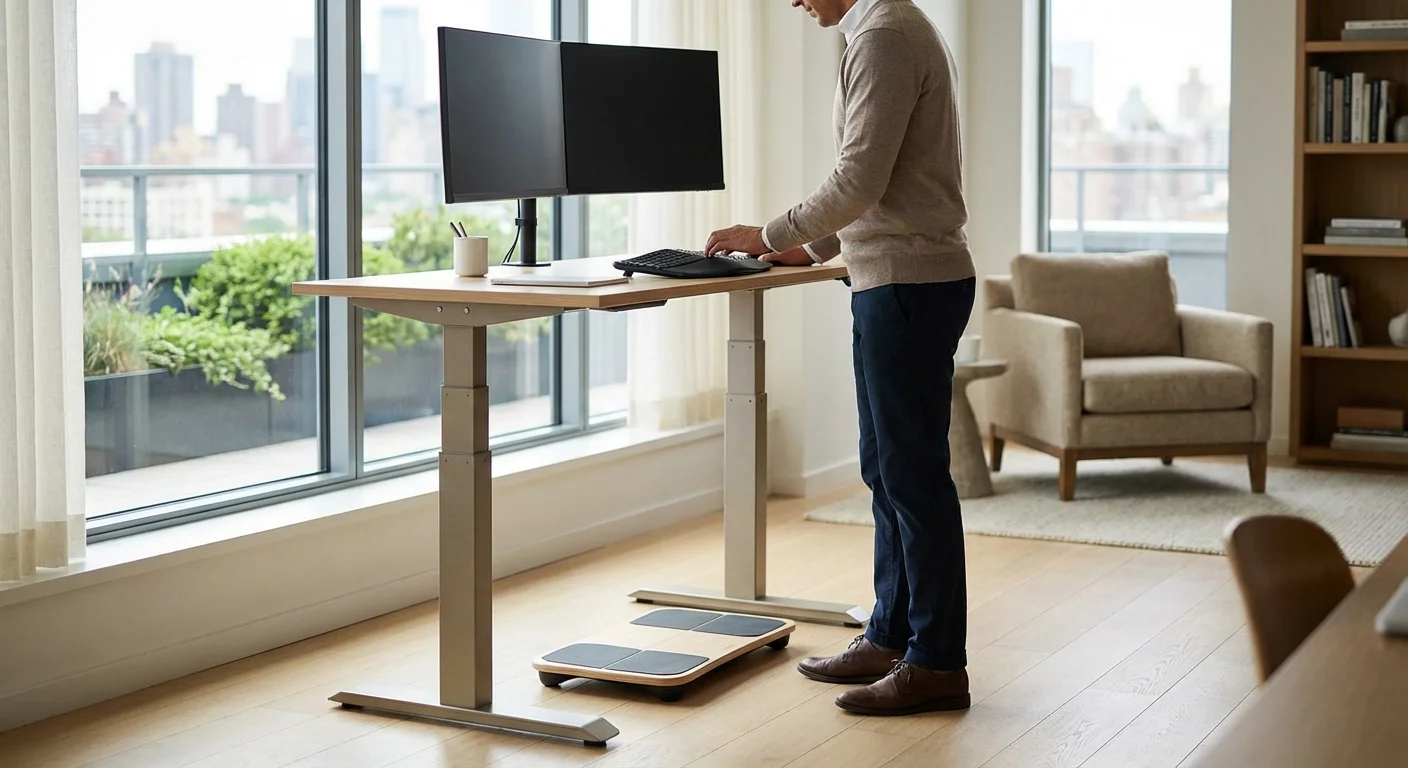
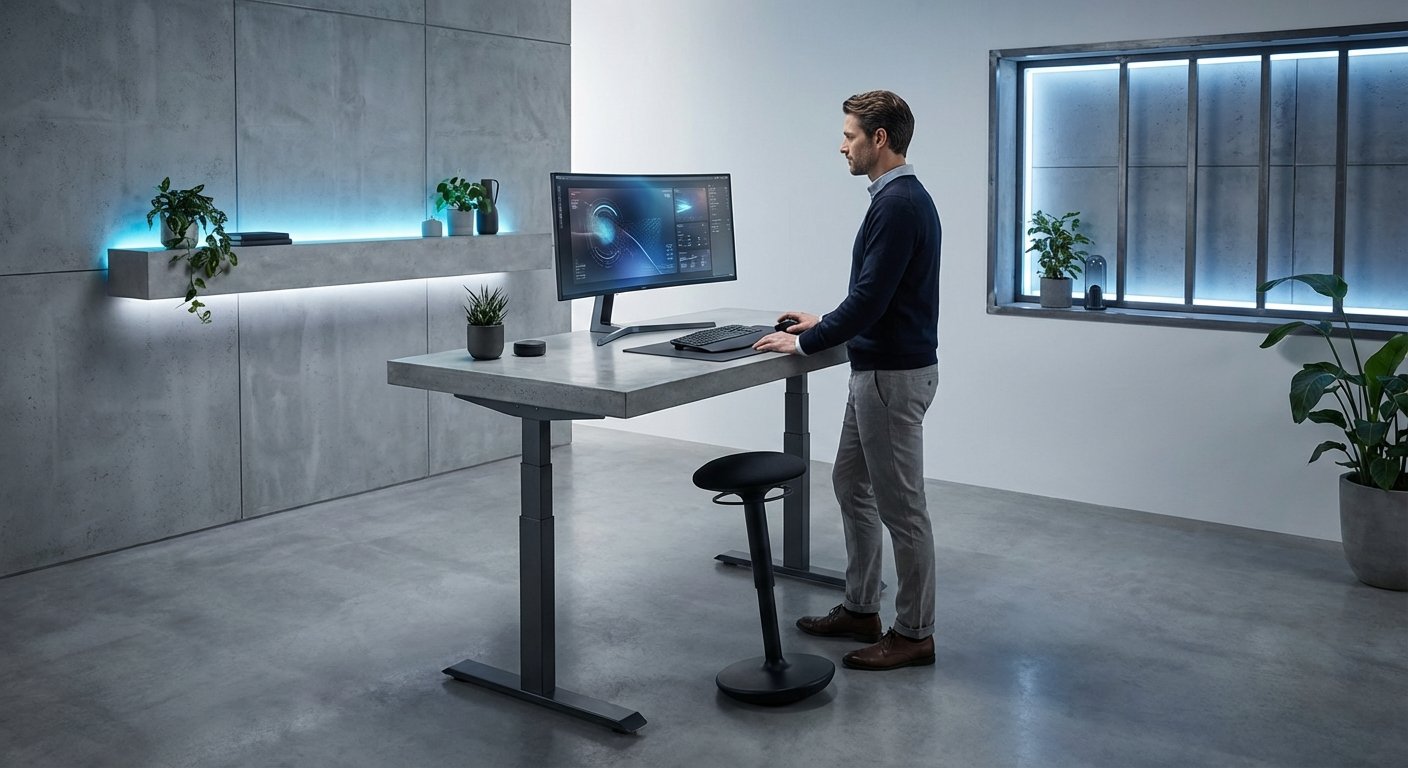
- Use a footrest or balance board. A small stool or wobble board gives your feet a break. Rest one foot on it for a few minutes. Then switch sides.
- Pair standing with walking breaks. Every 60 to 90 minutes, take a 5-minute walk. This fights fatigue better than just standing.
- Keep water within reach. Staying hydrated helps your joints and muscles. A water bottle on your desk also reminds you to drink. Aim for 8 glasses a day.
- Track your standing time. Many smartwatches in 2026 track standing hours. Use this data to build better habits over time.
Troubleshooting Common Fully Standing Desk Problems
Problem: Sore Feet After Standing
Solution: Add or upgrade your anti-fatigue mat. Switch to shoes with better arch support. Start with shorter standing blocks and build up slowly. If pain continues past two weeks, talk to a doctor.
Problem: Lower Back Pain While Standing
Solution: Check your desk height. A desk that’s too low forces you to lean forward. Engage your core muscles gently. Don’t arch your back. Try placing one foot on a small stool to ease pressure. You might also find our uplift v3 standing desk comparison helpful when narrowing down your choices.
Problem: Desk Wobbles When Typing
Solution: Tighten all bolts and screws. Check that the floor is level. Place small shims under uneven legs. Heavier desktops tend to wobble less. Some models have crossbar supports you can add.
Problem: Monitor Shakes at Standing Height
Solution: Use a heavy-duty monitor arm rated for your screen’s weight. Clamp-style mounts are more stable than freestanding risers. Reduce vibration by placing a rubber pad under the desk legs.
Problem: Fatigue and Loss of Focus
Solution: You’re likely standing too long too soon. Cut your standing time in half. Add it back in 15-minute steps each week. Stay hydrated and eat regular meals. Standing burns more energy than sitting. For a deeper dive, see our guide on electric desk. For a deeper dive, see our guide on updesk. For a deeper dive, see our guide on rising desk. For a deeper dive, see our guide on lift desk.
Frequently Asked Questions About Standing Desks
How long should I stand at a fully standing desk each day?
Most experts suggest 2 to 4 hours of total standing per day. Break this into 30 to 60 minute chunks. Alternate with sitting or walking breaks. Listen to your body and build up over time.
Is a fully standing desk better than a sit-stand desk?
It depends on your needs. A fully standing desk works great if you have a separate chair option nearby. Sit-stand desks let you switch without leaving your workspace. Both offer health benefits over sitting all day.
What shoes should I wear at a standing desk?
Wear shoes with good arch support and cushioning. Running shoes or supportive flats work well. Avoid high heels, flip-flops, or going barefoot. Pair your shoes with an anti-fatigue mat for the best comfort.
Can standing desks help with back pain?
Yes, for many people. Standing reduces pressure on your lower spine. It also engages your core muscles. But poor posture while standing can make pain worse. Set up your desk correctly and ease into it.
What is the right height for a standing desk?
Your desk should sit at elbow height. Stand straight and bend your elbows to 90 degrees. Measure from the floor to your forearms. For most adults, this is 38 to 46 inches. Adjust based on your shoe height.
Do I need an anti-fatigue mat with a standing desk?
Yes, strongly recommended. Hard floors cause foot and leg pain fast. An anti-fatigue mat cushions your joints. It also encourages small movements that improve circulation. Pick one that’s at least 3/4 inch thick.
How much does a good fully standing desk cost in 2026?
Prices range widely. Basic fixed-height models start around $150. Quality adjustable standing desks run $400 to $800. Premium options with smart features can reach $1,200 or more. Most people find a great option in the $400 to $600 range.