
Expert Reviewed
Updated Regularly
TITLE: How to Set Up and Use a Height Adjustable Desk the Right Way in 2026
A height adjustable desk can change how you work. It lets you switch between sitting and standing throughout the day. This simple change helps reduce back pain and boosts your energy. But many people set up their desk wrong. That leads to discomfort and wasted money.
In this guide, you’ll learn how to choose, assemble, and use a height adjustable desk. We’ll cover everything from unboxing to finding your perfect ergonomic settings. By the end, you’ll have a desk that fits your body and work style. Let’s get started.
Looking for more options? Check out our comprehensive standing desks guide for the full roundup.
Key Takeaways
- Set your height adjustable desk so your elbows rest at a 90-degree angle when typing for proper ergonomic positioning.
- Stand for 15–30 minutes per hour and then sit, using the desk’s memory presets to switch positions quickly.
- Popular electric height adjustable desk models in 2026 include the FlexiSpot E7 and the Uplift V2.
- Assembly typically requires 30–60 minutes, a Phillips-head screwdriver or power drill, and a helper for lifting the desktop onto the frame.
- Pair your desk with an anti-fatigue standing mat and a cable management tray or clips for a clean, comfortable setup.
Table of Contents
- Quick Answer
- Step-by-Step Guide to Setting Up Your Height Adjustable Desk
- Manage Your Cables for a Clean Setup
- Pro Tips for Getting the Most From Your Height Adjustable Desk
- Troubleshooting Common Height Adjustable Desk Problems
- Frequently Asked Questions About Height Adjustable Desks
- Final Thoughts on Your Height Adjustable Desk Setup
Quick Answer
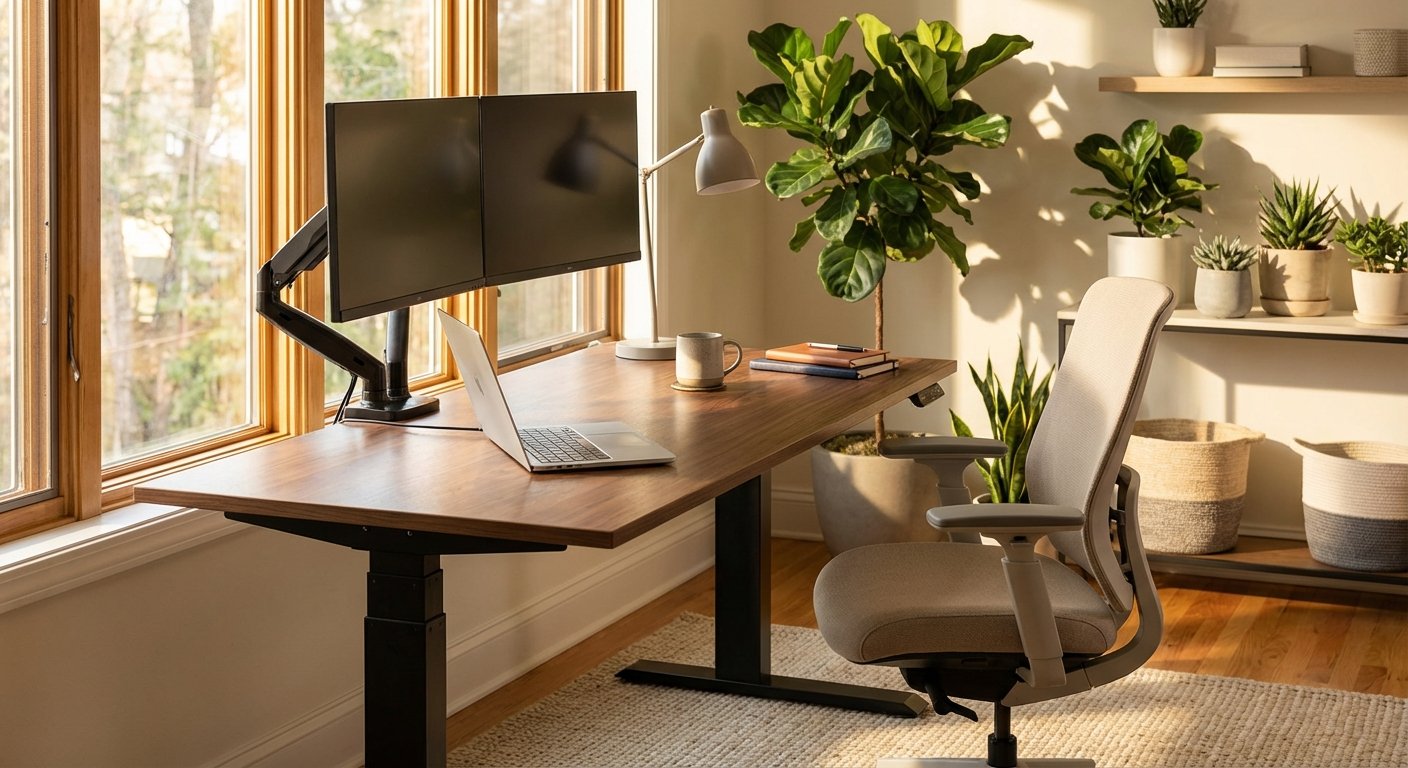
Set your height adjustable desk so your elbows rest at a 90-degree angle when typing. Stand for 15–30 minutes per hour, then sit. Save your favorite heights using the desk’s memory presets so switching is fast and easy.
What You’ll Need
- A height adjustable desk (electric models like the FlexiSpot E7 or Uplift V2 are popular in 2026)
- Phillips-head screwdriver or power drill
- Allen wrench set (often included with the desk)
- A tape measure
- Anti-fatigue standing mat
- Cable management tray or clips
- A helper for lifting the desktop onto the frame
- 30–60 minutes for assembly
Step-by-Step Guide to Setting Up Your Height Adjustable Desk
Step 1: Unbox and Organize All Parts
Open the box and lay out every part on the floor. Group screws, bolts, and brackets by size. Check the parts list in the manual. Make sure nothing is missing before you start.
Most electric standing desks come in two boxes. One holds the frame. The other holds the desktop. Lay a blanket on the floor to protect the desktop surface.
Pro tip: Take a photo of the parts list. Keep it on your phone for quick reference during assembly.
Step 2: Assemble the Base Frame
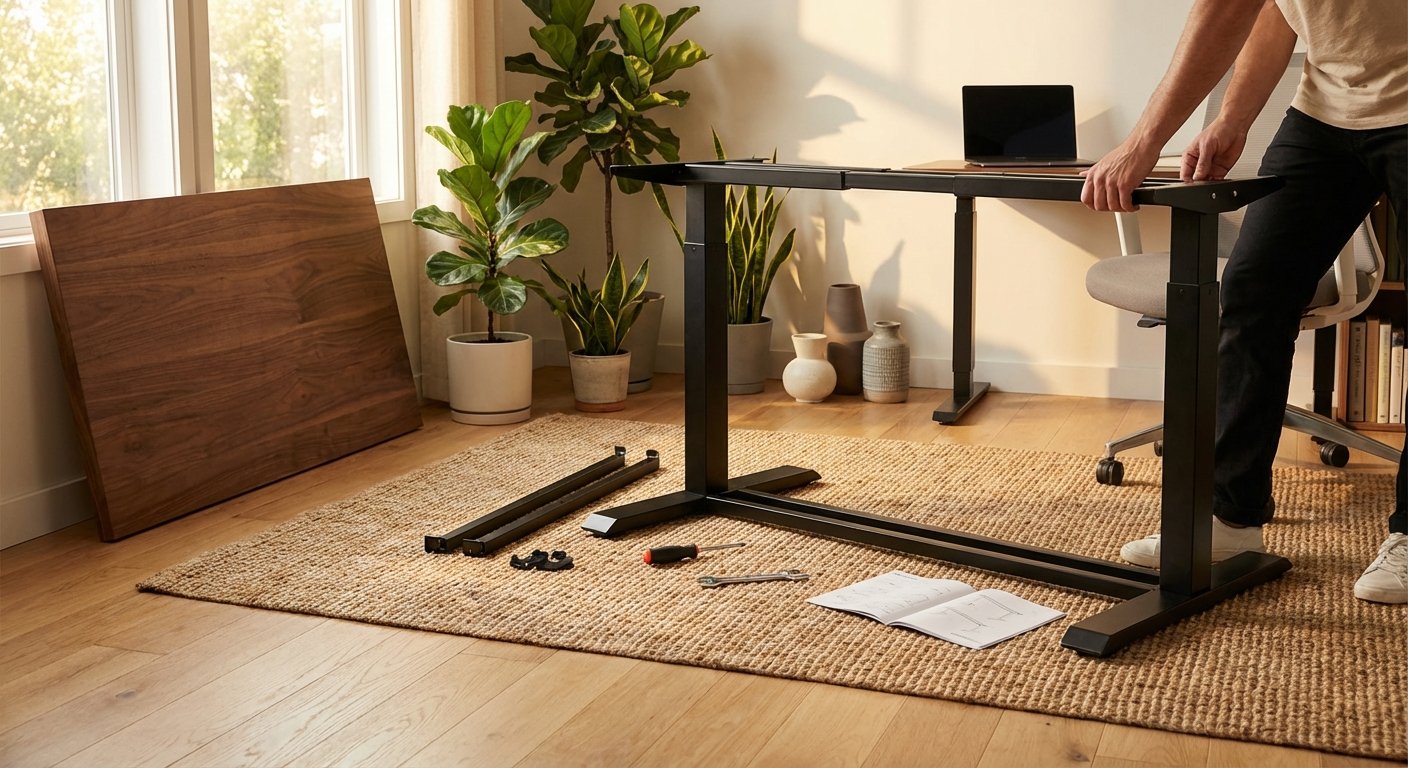
Start with the feet. Attach them to the lifting columns. Then connect the columns to the center beam. Tighten all bolts firmly but don’t overtighten them.
Most frames use a T-shaped or H-shaped design. Follow the numbered steps in your manual. The frame should feel solid with no wobble.
Pro tip: Use a power drill on the lowest torque setting. This saves time and keeps bolts snug without stripping them.
Step 3: Attach the Desktop to the Frame
Flip the desktop upside down on the blanket. Place the frame on top. Line up the screw holes. Drive the screws through the frame brackets into the desktop.
You’ll need a helper for this step. Once the screws are in, flip the whole desk upright together. Place it in your desired spot.
Pro tip: Pre-drill pilot holes if your desktop is solid wood. This stops the wood from splitting.
Step 4: Connect the Electronics
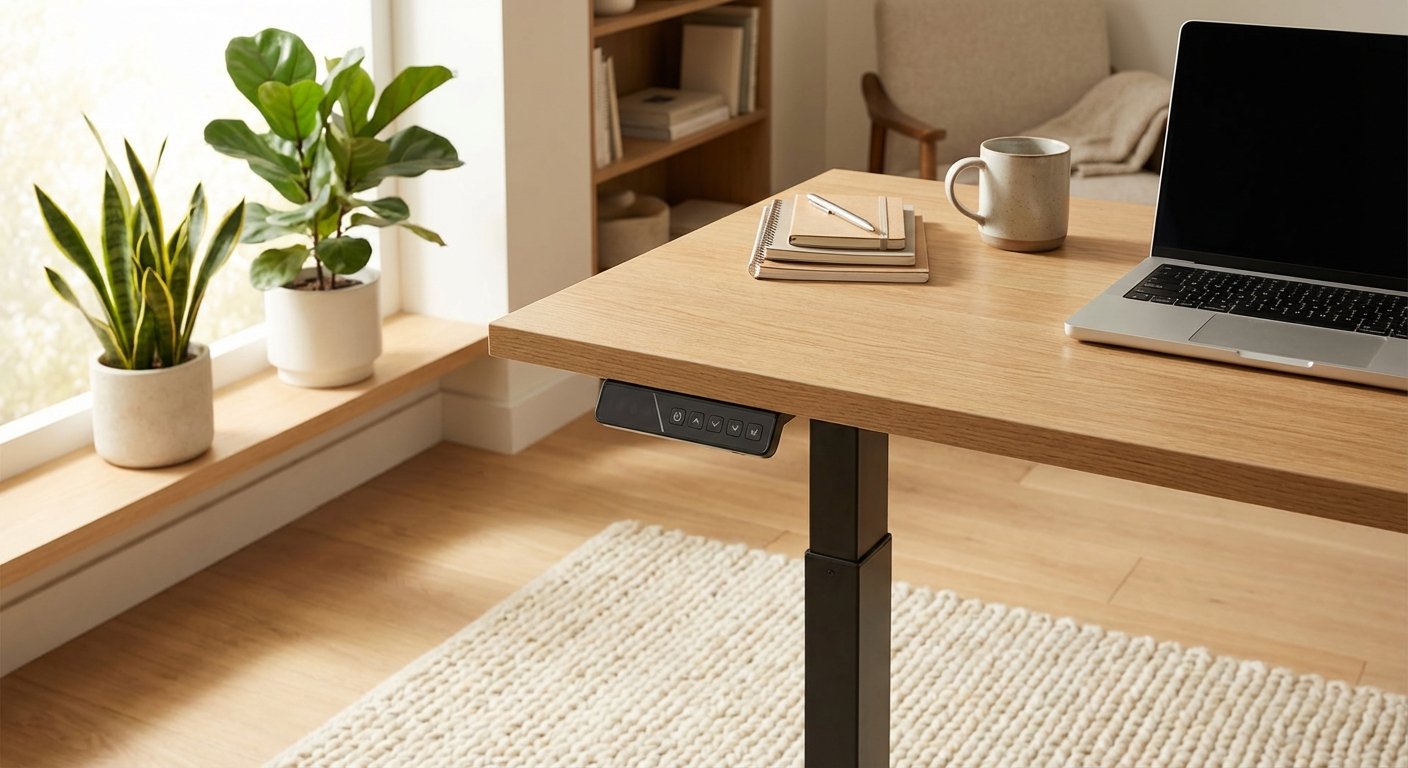
Plug the motor cables into the control box. The control box usually mounts under the desktop. Then connect the handset (control panel) to the control box. Finally, plug the power cord into a wall outlet.
Route cables neatly along the frame. Use zip ties or cable clips. A messy cable setup looks bad and can catch on things.
Pro tip: Don’t use a power strip shared with high-draw items. Give your desk motor its own outlet for steady power.
Step 5: Test the Motor and Set Height Limits
Press the up and down buttons on the control panel. The desk should move smoothly. Listen for grinding or clicking sounds. Those mean something isn’t aligned right.
Most desks let you set upper and lower height limits. This stops the desk from going too high or too low. It also protects nearby shelves or cabinets from collisions.
Pro tip: Reset the desk if the motor doesn’t respond. Hold the down button for 10 seconds until the desk reaches its lowest point. This recalibrates the system.
Step 6: Find Your Perfect Sitting Height
Sit in your chair. Rest your feet flat on the floor. Your thighs should be parallel to the floor. Now adjust the desk height until your elbows bend at 90 degrees. Our ikea standing desk review covers the specs and real-world performance in detail.
Your wrists should float straight over the keyboard. They shouldn’t bend up or down. Your screen’s top edge should be at eye level. You might also find our lift desk comparison helpful when narrowing down your choices.
For most people, the sitting desk height is between 25 and 30 inches. Save this height to memory preset one on your control panel.
Pro tip: If you’re 5’4″ or shorter, you may need a footrest. This keeps your feet supported at the right desk height.
Step 7: Find Your Perfect Standing Height
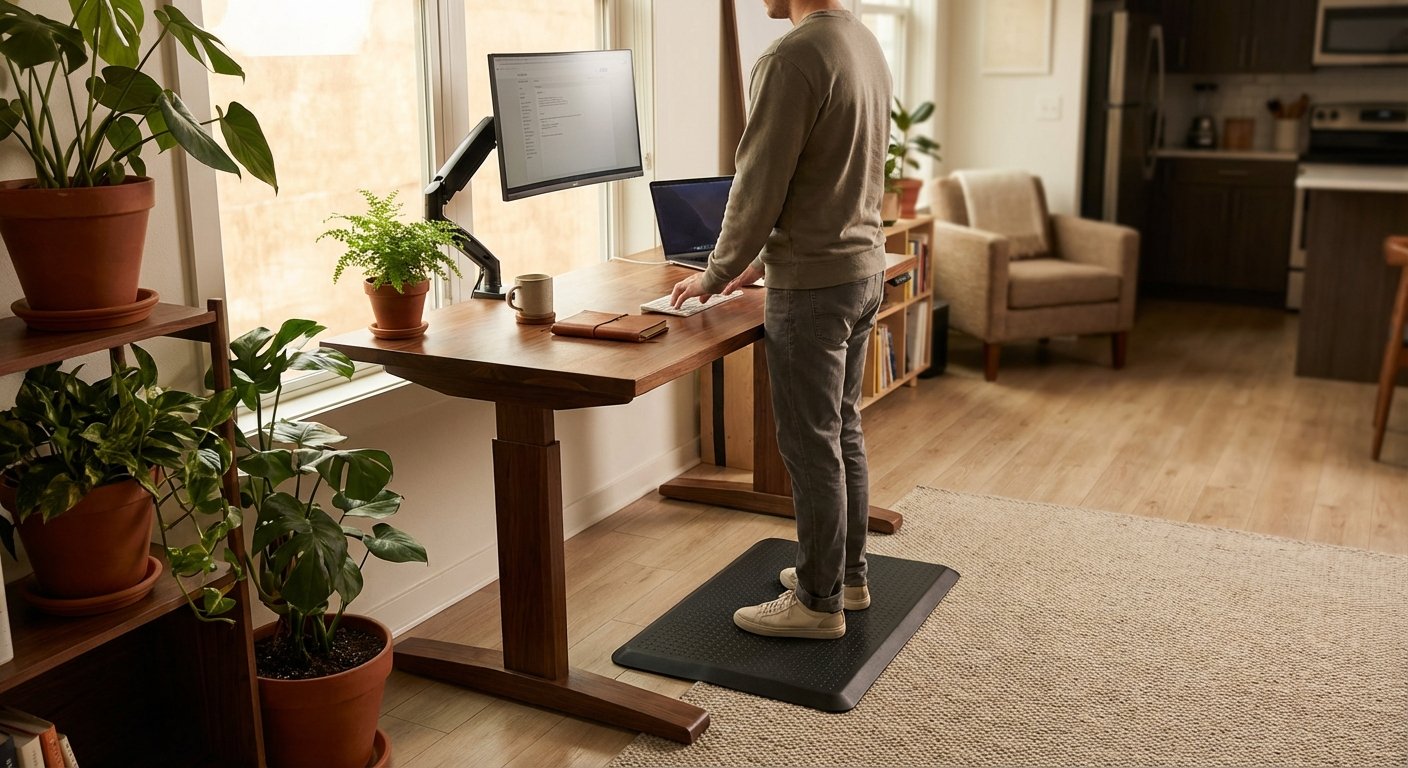
Stand up straight. Let your arms hang at your sides. Bend your elbows to 90 degrees. The desk surface should meet your forearms right there.
Your screen should still be at eye level. You may need to raise your monitor on a stand or arm. Keep your shoulders relaxed. Don’t hunch forward.
Standing height is usually 38 to 46 inches for most adults. Save this to memory preset two.
Pro tip: Wear your typical shoes when you set standing height. Different shoes change your measurements. For hands-on impressions, read our corner standing desk breakdown.
Step 8: Set Up Your Ergonomic Workspace
Place your monitor 20 to 26 inches from your eyes. Tilt it back 10 to 20 degrees. Position your keyboard so your wrists stay neutral.
Put your mouse right next to your keyboard. This stops you from reaching out. A monitor arm gives you more flexibility than a fixed stand.
Add an anti-fatigue mat under your standing area. It cushions your feet and reduces leg strain.
Pro tip: Keep items you use often within arm’s reach. This stops you from twisting or overreaching while standing. Looking for more options? Check out our l shaped standing desk buying guide.
Step 9: Build a Sit-Stand Routine
Don’t stand all day on your first day. Start with 15 minutes of standing per hour. Add 5 more minutes each week. Aim for a 1:1 or 1:2 standing-to-sitting ratio. Looking for more options? Check out our rising desk buying guide.
Set a timer on your phone or use a desk reminder app. Many height adjustable desk brands offer free apps in 2026. They nudge you to switch positions. We put together a detailed standing desk with drawers overview for shoppers on a budget.
Pro tip: Stand during tasks that don’t need deep focus. Take calls standing. Do creative brainstorming standing. Sit for detail work. Our updesk review covers the specs and real-world performance in detail. You might also find our small standing desk comparison helpful when narrowing down your choices.
Manage Your Cables for a Clean Setup
Step 10: Organize Cables for Movement
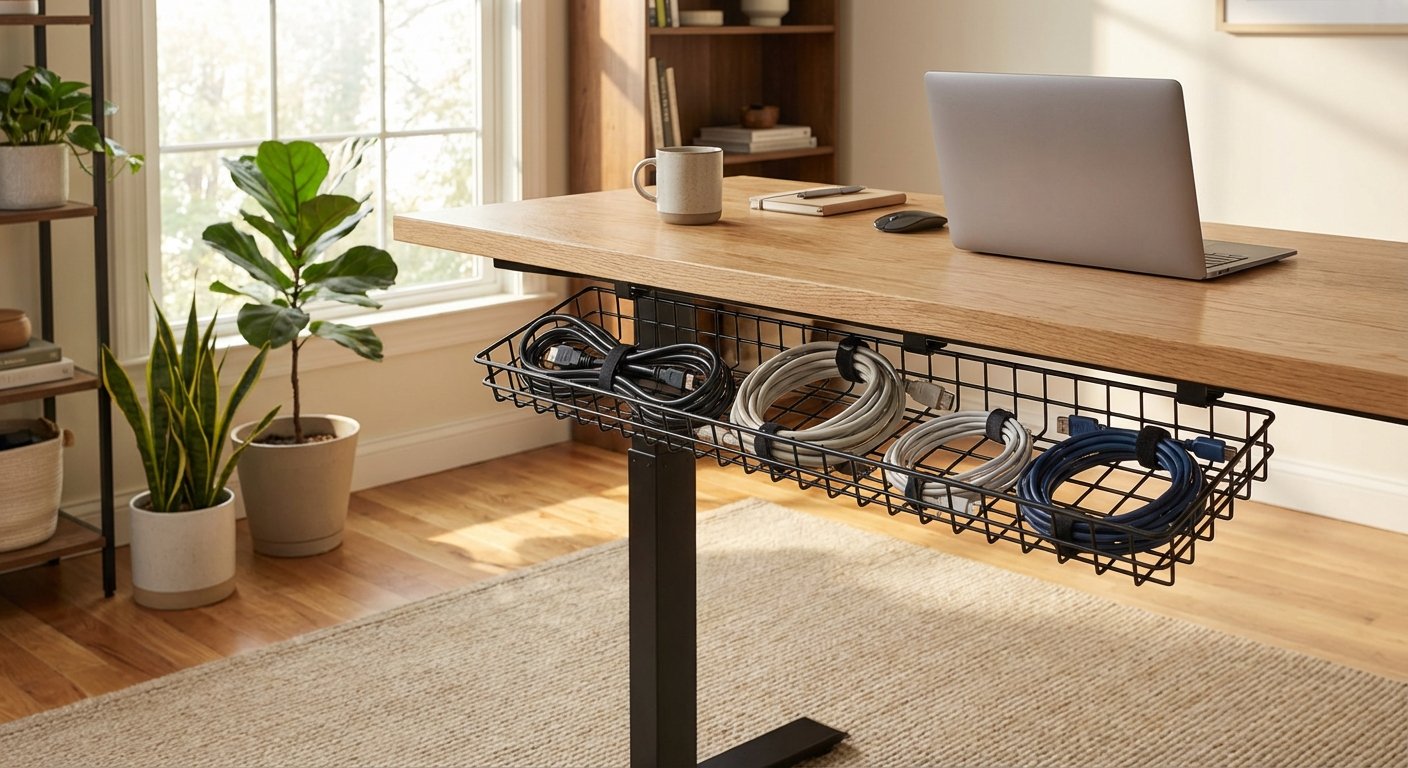
Your desk moves up and down. Your cables need slack to handle that. Use a cable management tray under the desk. It holds power strips and extra cable length.
Run cables down one desk leg using cable clips. Leave enough loop for the full range of motion. Test by raising the desk to its max height. No cables should pull tight.
Pro tip: Use a cable spine (a flexible plastic chain) for a clean look. Brands like VIVO and Monoprice sell affordable options.
Pro Tips for Getting the Most From Your Height Adjustable Desk
- Invest in a good mat. An anti-fatigue mat makes standing way more comfortable. Look for one that’s at least 3/4 inch thick. The Ergodriven Topo is a top pick in 2026.
- Use a monitor arm. A fixed monitor can’t adjust for both sitting and standing. A gas-spring arm lets you reposition your screen in seconds.
- Wear supportive shoes. Standing barefoot on a hard floor hurts over time. Cushioned shoes or supportive slippers help a lot.
- Move while you stand. Don’t lock your knees. Shift your weight. Do calf raises. Gentle movement keeps blood flowing.
- Check your setup monthly. Your posture needs change over time. Revisit your desk height and monitor position every few weeks.
Troubleshooting Common Height Adjustable Desk Problems
Problem: The Desk Won’t Move Up or Down
Solution: Check that the power cord is plugged in firmly. Then try a reset. Hold the down button for 10 seconds. If it still won’t move, check the cable between the motor and control box. A loose connection is the most common cause.
Problem: The Desk Wobbles When Raised
Solution: Some wobble at full height is normal. But too much means something is loose. Tighten every bolt on the frame. Check that the feet are level. Use furniture pads to fix uneven floors. If wobble persists, add a crossbar stabilizer. If you’re comparing options, our stand up desk guide breaks down the key differences.
Problem: The Motor Makes a Grinding Noise
Solution: Clear any objects blocking the desk’s path. Check for items pinched between the frame sections. Remove weight from the desk and try again. If the noise continues, contact the maker. The motor may need a replacement under warranty. For hands-on impressions, read our standing desk breakdown.
Problem: You Feel Pain After Standing
Solution: You’re likely standing too long. Cut your standing time in half. Check your desk height again. Wrong height causes shoulder and wrist pain. Add an anti-fatigue mat. Wear supportive footwear. Pain should ease within a few days. See how this model stacks up in our sit stand desk analysis.
Frequently Asked Questions About Height Adjustable Desks
How long should I stand at my height adjustable desk each day?
Start with 15 to 30 minutes per hour. Build up over weeks. Most experts in 2026 suggest standing for 2 to 4 hours total per workday. Listen to your body. If your feet or back ache, sit down. The goal is to switch positions often, not stand all day.
Are electric standing desks better than manual crank ones?
Electric desks are faster and easier to adjust. You press a button and it moves. Manual crank desks cost less but take effort. You’re less likely to switch positions with a crank. If your budget allows, go electric. It makes the sit-stand habit easier to keep.
What’s the best height for a standing desk?
Your elbows should bend at 90 degrees when your hands rest on the desk. For someone 5’10”, that’s about 44 inches. For someone 5’4″, it’s about 40 inches. Every body is different. Use the elbow rule, not a fixed number.
How much weight can a height adjustable desk hold?
Most electric standing desks hold between 150 and 350 pounds. Budget models handle less. Premium models like the Uplift V2 support up to 355 pounds. Check your desk’s specs. Include the weight of monitors, arms, and accessories.
Do I need a special chair for a sit-stand desk?
You don’t need a special chair. But a good ergonomic chair matters a lot. Look for adjustable seat height, lumbar support, and armrests. Your chair and height adjustable desk should work together. Set both so your body stays in a neutral position.
Can I put a height adjustable desk on carpet?
Yes, you can. Most desks work fine on carpet. Use wide feet or caster cups to stop sinking. Very thick carpet may cause slight wobble. Hard floors are the most stable option. A chair mat on carpet also helps with rolling.
Final Thoughts on Your Height Adjustable Desk Setup
Setting up a height adjustable desk takes about an hour. But the payoff lasts for years. You’ll feel better, focus longer, and protect your back. The key is getting the heights right and building a steady sit-stand habit.
Don’t rush the process. Take time to dial in your ergonomic settings. Use the memory presets so switching takes just one button press. And remember: the best desk position is always the next one. Keep moving throughout your day.
In 2026, there’s no reason to stay stuck in one position. Your height adjustable desk gives you the freedom to work the way your body needs. Use it well.