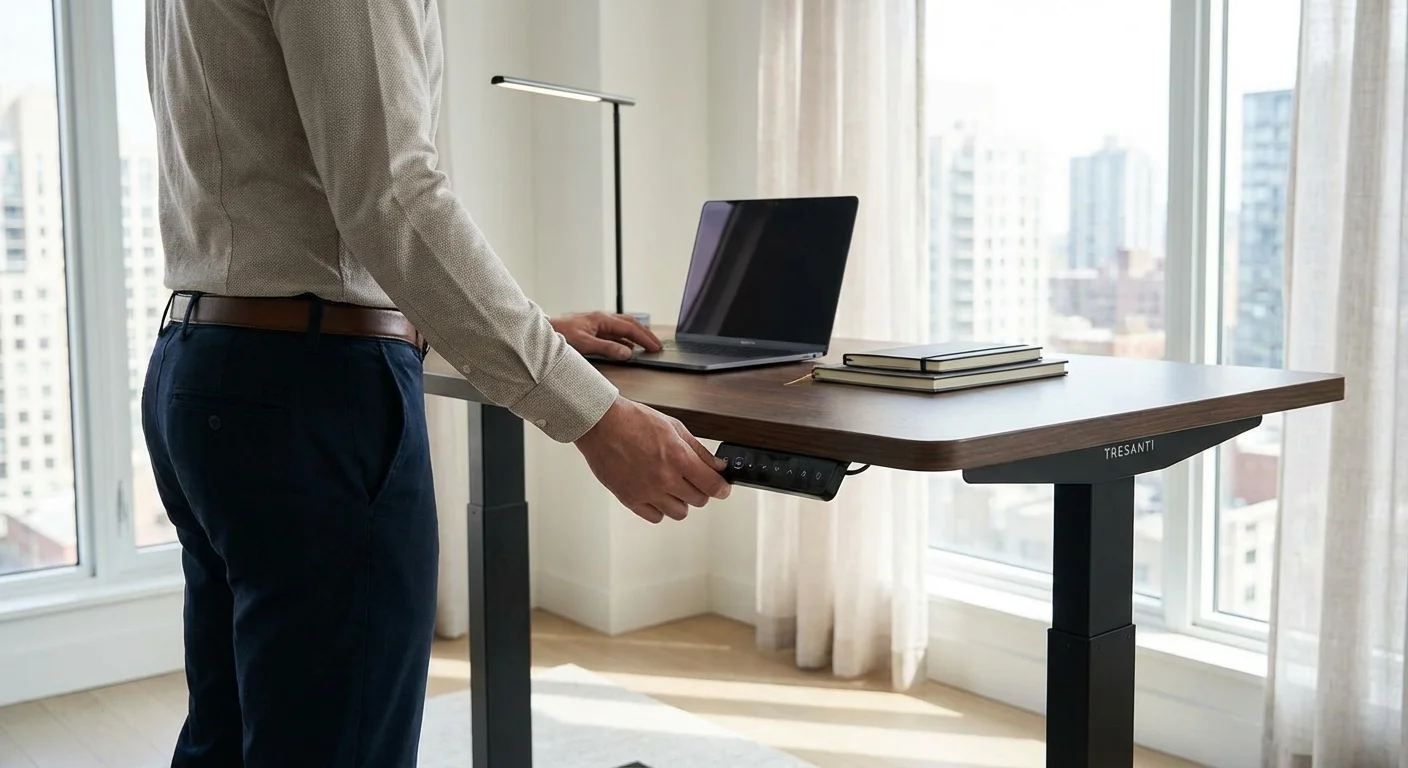
Expert Reviewed
Updated Regularly
TITLE: How to Set Up and Use Your Tresanti Adjustable Height Desk in 2026
Your new tresanti adjustable height desk just arrived. Now what? This guide walks you through every step. You’ll learn how to unbox, assemble, and use your desk like a pro.
Standing desks improve posture and boost energy. But only if you set them up right. By the end of this guide, you’ll have a fully working desk. You’ll also know how to save your favorite heights. Let’s get started.
Key Takeaways
- The full assembly of a Tresanti adjustable height desk takes approximately 45 to 60 minutes with basic tools like a Phillips head screwdriver and an included Allen wrench.
- You should assemble the base frame first, then attach the desktop, and ensure a power outlet is within 6 feet of the desk location before plugging in.
- The desk’s control panel allows you to raise, lower, and save your favorite height presets for quick switching between sitting and standing positions.
- Before starting assembly, count every screw, bolt, and bracket against the parts list and contact Tresanti support immediately if anything is missing to avoid delays.
Table of Contents
- Quick Answer: Setting Up Your Tresanti Adjustable Height Desk
- Step-by-Step: How to Assemble Your Tresanti Adjustable Height Desk
- Pro Tips for Getting the Most From Your Tresanti Adjustable Height Desk
- Troubleshooting Your Tresanti Adjustable Height Desk
- Frequently Asked Questions About the Tresanti Adjustable Height Desk
Quick Answer: Setting Up Your Tresanti Adjustable Height Desk
Assemble the base frame first, then attach the desktop. Plug in the power cord and use the control panel to raise or lower the desk. The full setup takes about 45 to 60 minutes with basic tools.
What You’ll Need
- Phillips head screwdriver
- Allen wrench (usually included in the box)
- A helper for lifting the desktop
- Level tool (optional but helpful)
- Tape measure
- Power outlet within 6 feet of desk location
- Soft cloth or cardboard to protect your floor
Step-by-Step: How to Assemble Your Tresanti Adjustable Height Desk
Step 1: Unbox and Sort All Parts
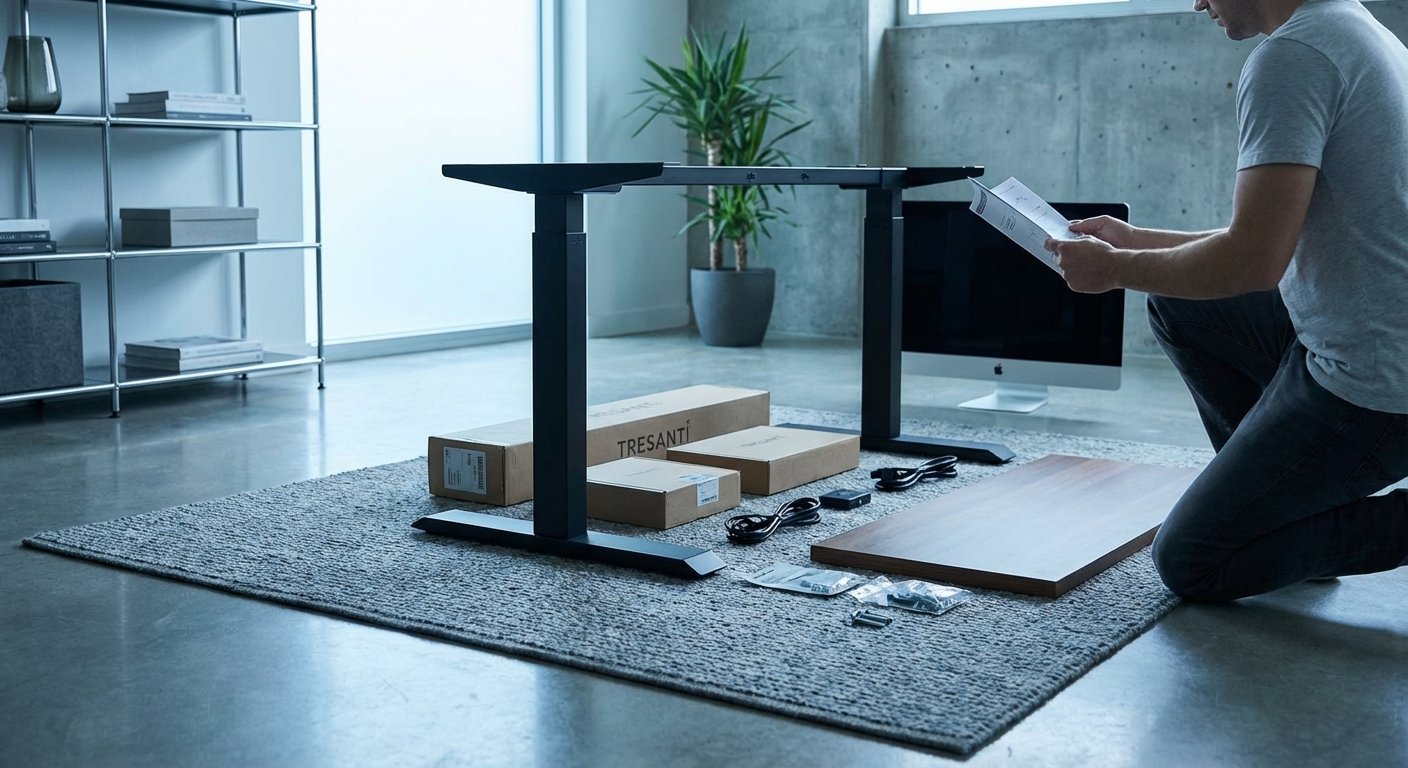
Open the box carefully. Lay everything out on the floor. Most Tresanti desks come in one or two boxes.
Check the parts list in your manual. Count every screw, bolt, and bracket. Missing parts cause delays. Contact Tresanti support right away if anything’s missing.
Sort small hardware into groups. This saves time later. Use small cups or a muffin tin to keep screws organized.
Pro tip: Take a photo of the parts list. Keep it on your phone for quick reference during assembly.
Step 2: Assemble the Base Frame
Start with the two leg columns. Attach them to the center crossbar. Use the included bolts and the Allen wrench.
Tighten each bolt by hand first. Don’t fully tighten anything yet. You’ll need wiggle room for adjustments. Once all bolts are in, go back and tighten them firmly.
Make sure the feet are level. Adjust the leveling pads on the bottom of each leg. An uneven desk wobbles and stresses the motor.
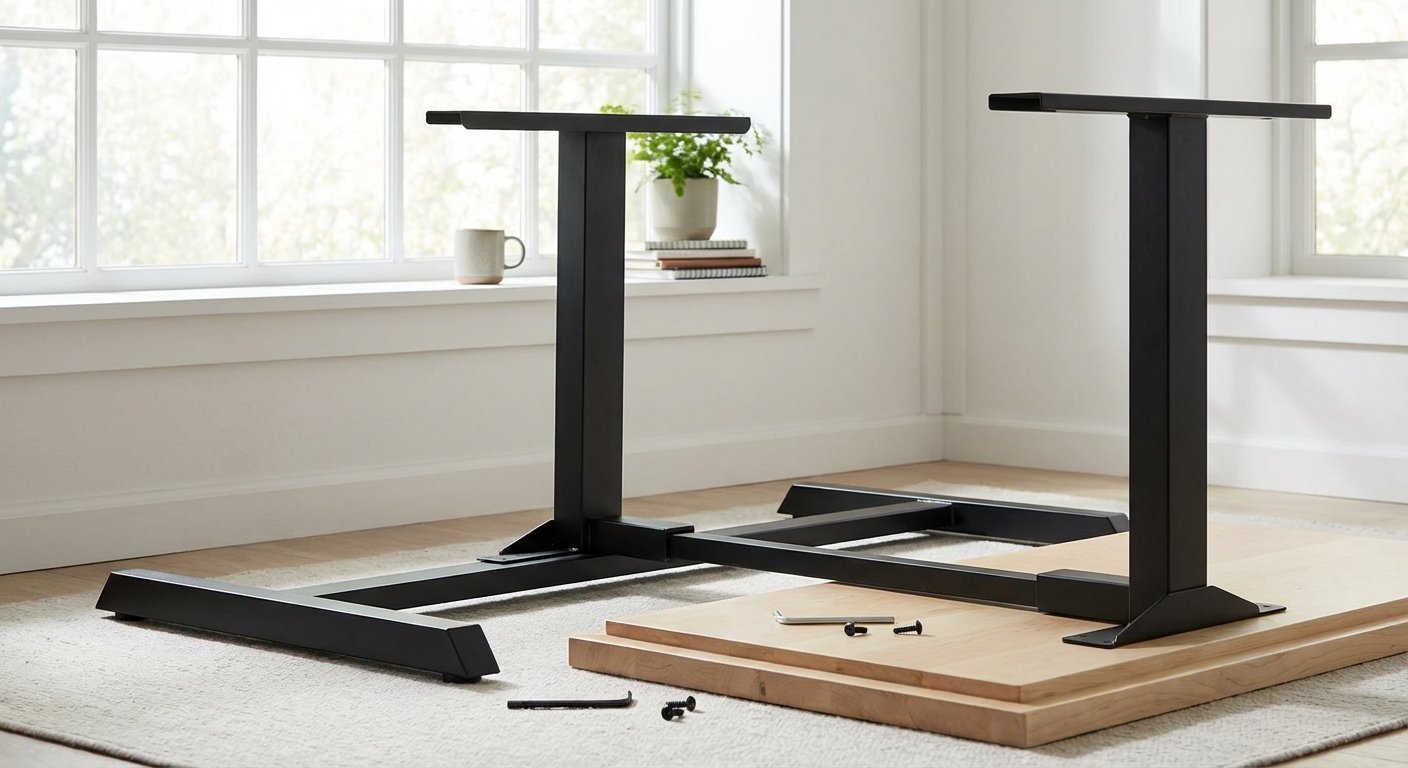
Pro tip: Build the frame upside down on the floor. It’s much easier. You’ll flip it later.
Step 3: Attach the Desktop to the Frame
Place the desktop face-down on a soft surface. Cardboard works great. This prevents scratches.
Set the assembled frame on top of the desktop. Align the pre-drilled holes. The screw holes on the frame should match the desktop holes exactly.
Drive the screws in with your Phillips screwdriver. Start with the corners. Then fill in the middle screws. This keeps everything aligned.
Now grab your helper. Flip the desk upright together. The tresanti adjustable height desk is heavy. Don’t try this alone. You could hurt yourself or damage the desk.
Pro tip: Place the desk near its final spot before flipping. Moving it after assembly is tough.
Step 4: Connect the Electrical Components
Locate the motor cable under the desk. Plug it into the control box. You’ll hear a click when it’s secure.
Next, connect the control panel cable. The control panel is the keypad you’ll use daily. Route the cable along the frame. Use the included cable clips to keep things tidy.
Finally, plug the power cord into a wall outlet. Avoid power strips if possible. The motor draws steady power. A direct wall connection is more reliable.
Pro tip: Don’t plug in the desk until all cables are connected. This prevents electrical issues during setup.
Step 5: Reset the Desk Motor
Your tresanti adjustable height desk needs a reset before first use. This step is critical. The motor must learn its full range of motion.
Press and hold the “down” button. Keep holding it. The desk will lower to its minimum height. Hold the button for 5 extra seconds after it stops.
Release the button. Now press “up” briefly. The desk should rise smoothly. If it doesn’t move, unplug the desk for 30 seconds. Then try the reset again.
Pro tip: Check your specific model’s manual for reset steps. Some 2026 Tresanti models have a dedicated reset button on the control box. Looking for more options? Check out our best standing desk buying guide.
Step 6: Set Your Ideal Sitting Height
Sit in your chair. Place your hands on the desk surface. Your elbows should bend at a 90-degree angle.
Use the “up” and “down” buttons to find this sweet spot. Your forearms should rest flat. Your shoulders should feel relaxed. Not hunched up. Our height adjustable desk review covers the specs and real-world performance in detail. If you’re comparing options, our l shaped standing desk guide breaks down the key differences.
Most people find their sitting height between 28 and 30 inches. But everyone’s different. Trust how your body feels.
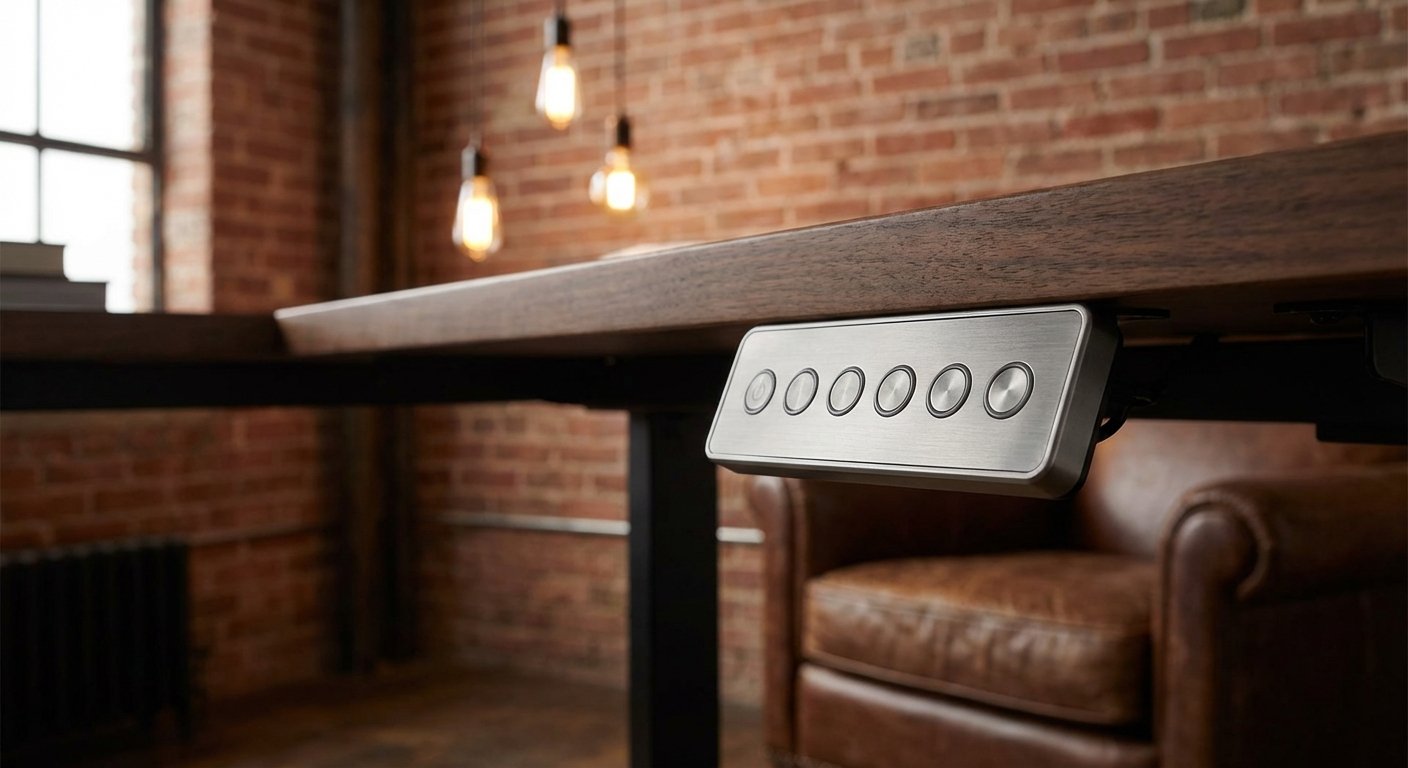
Pro tip: Save this height using the memory buttons. Press and hold “M” then press “1.” Now button 1 takes you to sitting height instantly.
Step 7: Set Your Ideal Standing Height
Stand up straight in front of the desk. Press the “up” button. Raise the desk until your elbows hit that same 90-degree angle.
Your screen should sit at eye level. You shouldn’t look down or crane your neck up. Most people stand comfortably between 38 and 44 inches.
Save this height to memory button “2.” Now you can switch between sitting and standing with one press.
Pro tip: Stand on a mat. Anti-fatigue mats reduce leg strain. Your feet will thank you after long standing sessions. We put together a detailed standing desk overview for shoppers on a budget. Looking for more options? Check out our flexispot standing desk buying guide.
Step 8: Manage Your Cables
A clean cable setup matters. Moving desks can tug on loose cables. This damages your equipment. You might also find our best standing desk comparison helpful when narrowing down your choices.
Use a cable management tray under the desk. Most Tresanti models include one. Route all cables through this tray. Leave enough slack for the desk to move fully up and down. We tested several alternatives in our uplift v3 standing desk roundup.
Test the full range of motion. Watch the cables as the desk moves. Nothing should pull tight or pinch.
Pro tip: Velcro cable ties work better than zip ties. They’re easy to adjust when you add new devices.
Pro Tips for Getting the Most From Your Tresanti Adjustable Height Desk
Expert Tips for 2026
Alternate every 30 minutes. Don’t stand all day. Switch between sitting and standing. Set a timer on your phone. Your body needs variety. If you’re comparing options, our updesk guide breaks down the key differences.
Keep the desk surface clear during adjustments. Heavy items can shift as the desk moves. Secure your monitor with a clamp-style arm. This prevents wobble and tip-overs.
Update the built-in USB ports. Some tresanti adjustable height desk models have USB-A ports. Use a small USB-C hub if you need modern connections. Plug the hub into the desk’s built-in port.
Clean the surface weekly. Use a damp microfiber cloth. Avoid harsh chemicals. The Tresanti desktop finish stays great with basic care.
Check bolt tightness monthly. Vibrations from daily movement can loosen bolts. A quick check prevents wobble over time.
Troubleshooting Your Tresanti Adjustable Height Desk
Problem: Desk Won’t Move Up or Down
Solution: Unplug the desk for 30 seconds. Plug it back in. Perform the motor reset from Step 5. Check that all cable connections are tight. If it still won’t move, the motor may have overheated. Wait 20 minutes and try again.
Problem: Desk Moves Unevenly or Tilts
Solution: Check the floor under each leg. Use a level tool on the desktop. Adjust the leveling pads on the feet. If one leg rises faster, unplug the desk. Reconnect the motor cables. Then do a full reset.
Problem: Control Panel Buttons Don’t Respond
Solution: The child lock may be on. Press and hold the “M” button for 5 seconds. A light should flash. This unlocks the panel. If that doesn’t work, check the control panel cable under the desk. Before you decide, it’s worth reading our fezibo standing desk deep dive.
Problem: Desk Makes Grinding or Clicking Noises
Solution: Remove all heavy items from the surface. Clear anything blocking the legs. Run the desk up and down once. The noise often stops. If it continues, check for loose bolts in the frame. Tighten everything and test again. For a deeper dive, see our guide on lift desk. For a deeper dive, see our guide on sit stand desk. For a deeper dive, see our guide on small standing desk. For a deeper dive, see our guide on standing desk with drawers. For a deeper dive, see our guide on ikea standing desk. For a deeper dive, see our guide on best standing desk. For a deeper dive, see our guide on best standing desk. See how this model stacks up in our standing desk analysis.
Frequently Asked Questions About the Tresanti Adjustable Height Desk
What is the weight limit for a tresanti adjustable height desk?
Most Tresanti models hold up to 220 pounds. This includes your monitor, laptop, and accessories. Check your specific model’s manual for exact limits. Overloading the desk strains the motor and voids the warranty.
How long does assembly take?
Plan for 45 to 60 minutes. Two people can finish faster. If you’re working alone, expect closer to 90 minutes. The hardest part is flipping the desk upright.
Can I use the tresanti adjustable height desk with a monitor arm?
Yes. The desktop is thick enough for clamp-style monitor arms. Most arms need a surface between 0.5 and 3 inches thick. Tresanti desktops fall in that range. A monitor arm also frees up desk space.
Does the desk need a special outlet?
No. A standard 120V household outlet works fine. Plug the desk directly into the wall. Avoid daisy-chaining power strips. The motor runs best with a direct connection.
How do I save memory presets on my Tresanti desk?
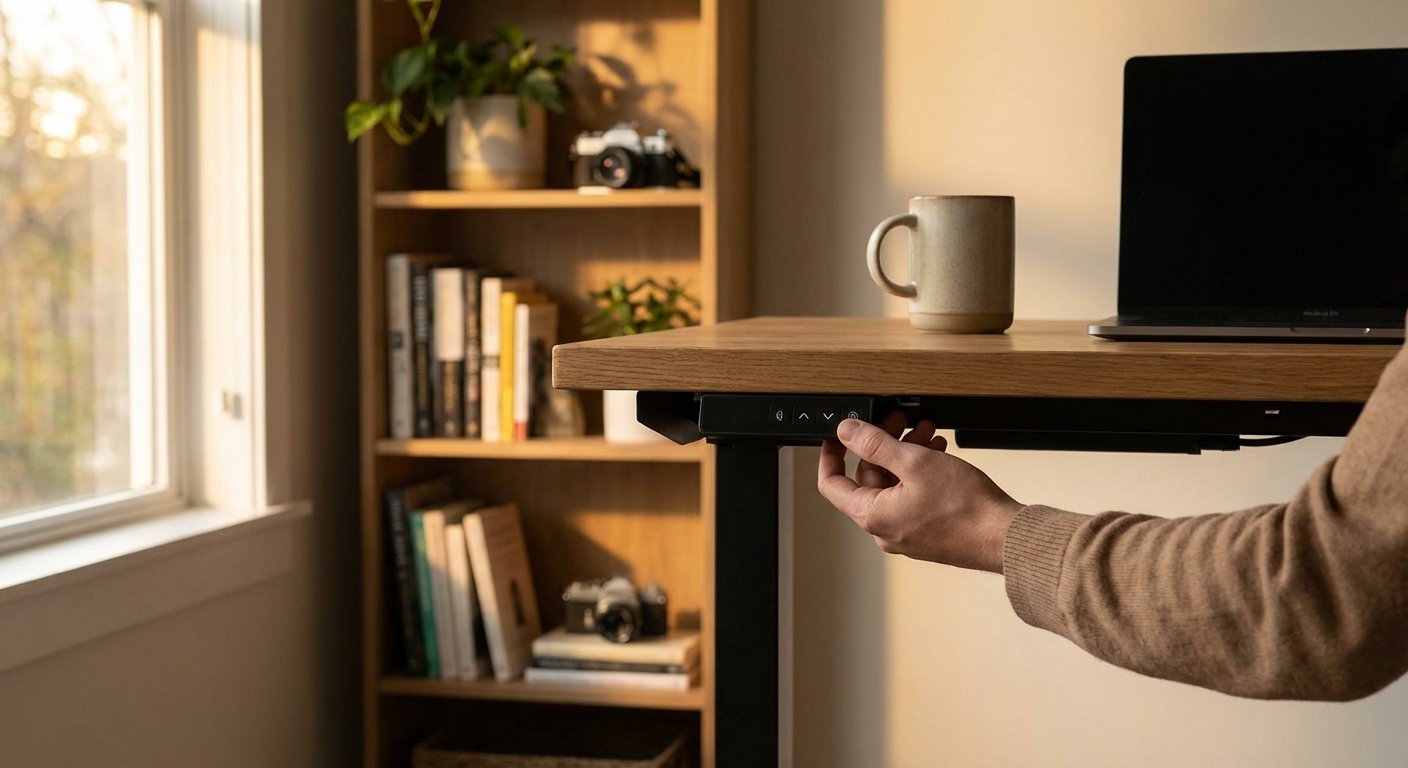
Move the desk to your desired height. Press and hold the “M” button. Then press a number button (1, 2, or 3). The display will flash. That height is now saved. Repeat for each preset you want.
Where can I buy replacement parts in 2026?
Visit the official Tresanti website. You can also find parts on Amazon and at Costco. Search for your exact model number. Keep your receipt for warranty claims.